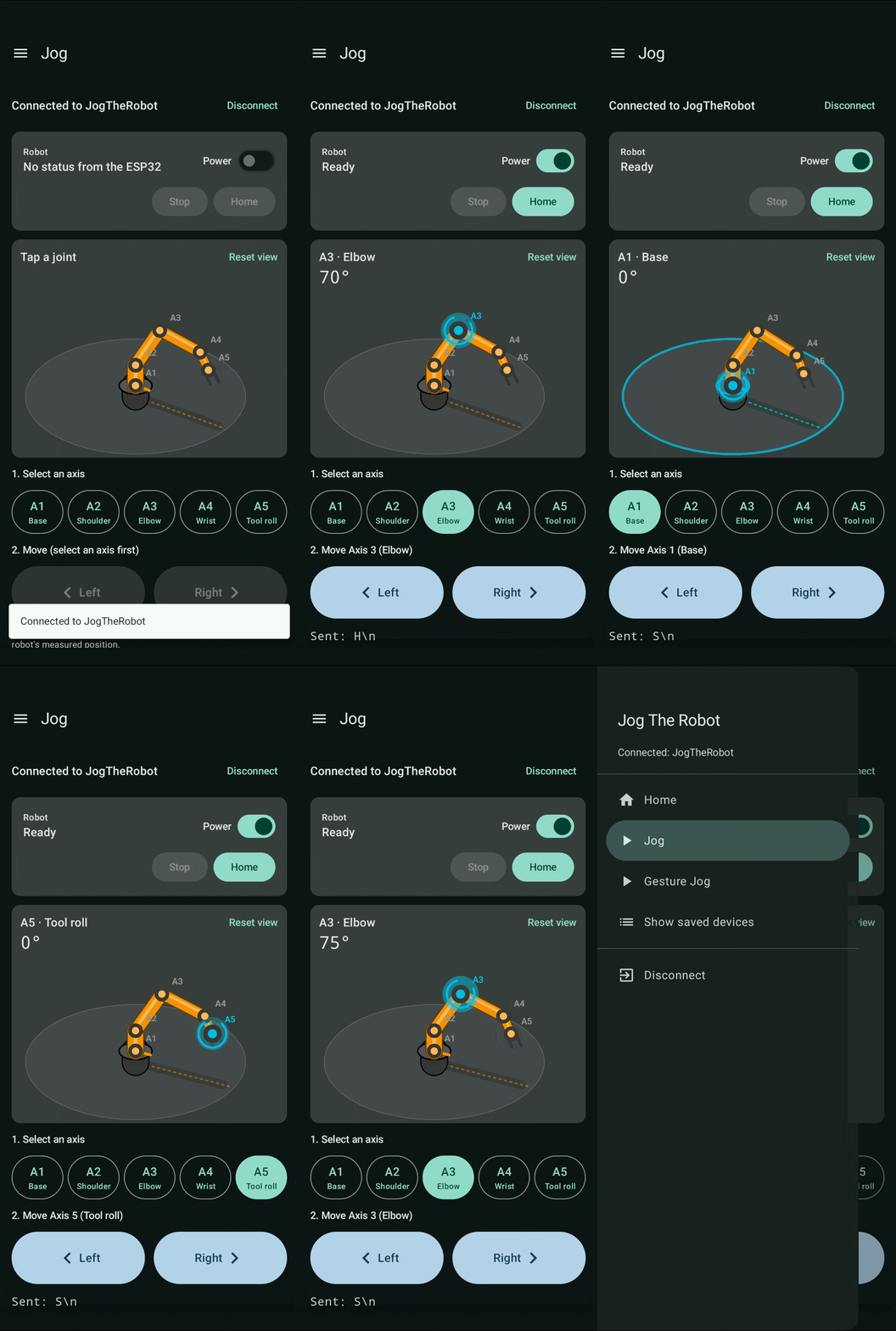
Jog
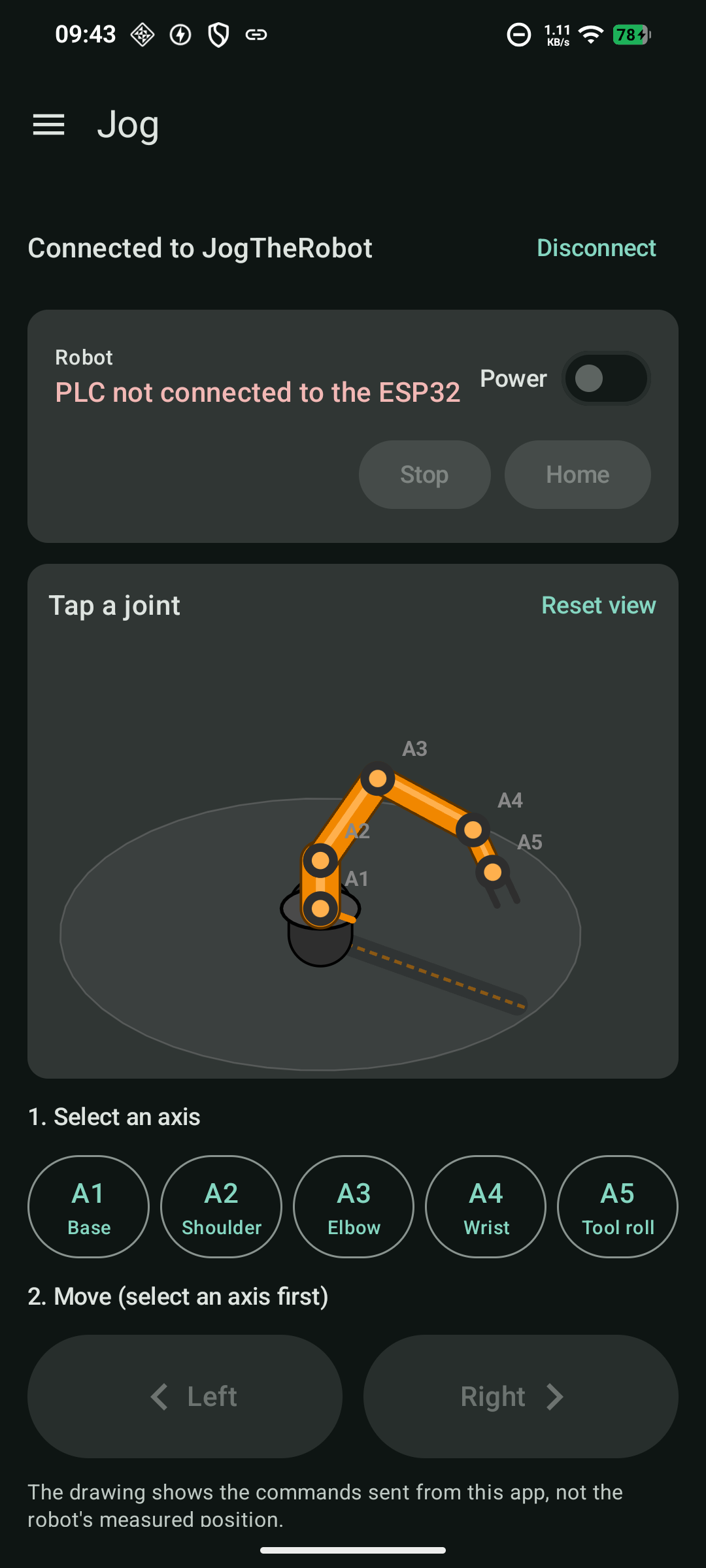
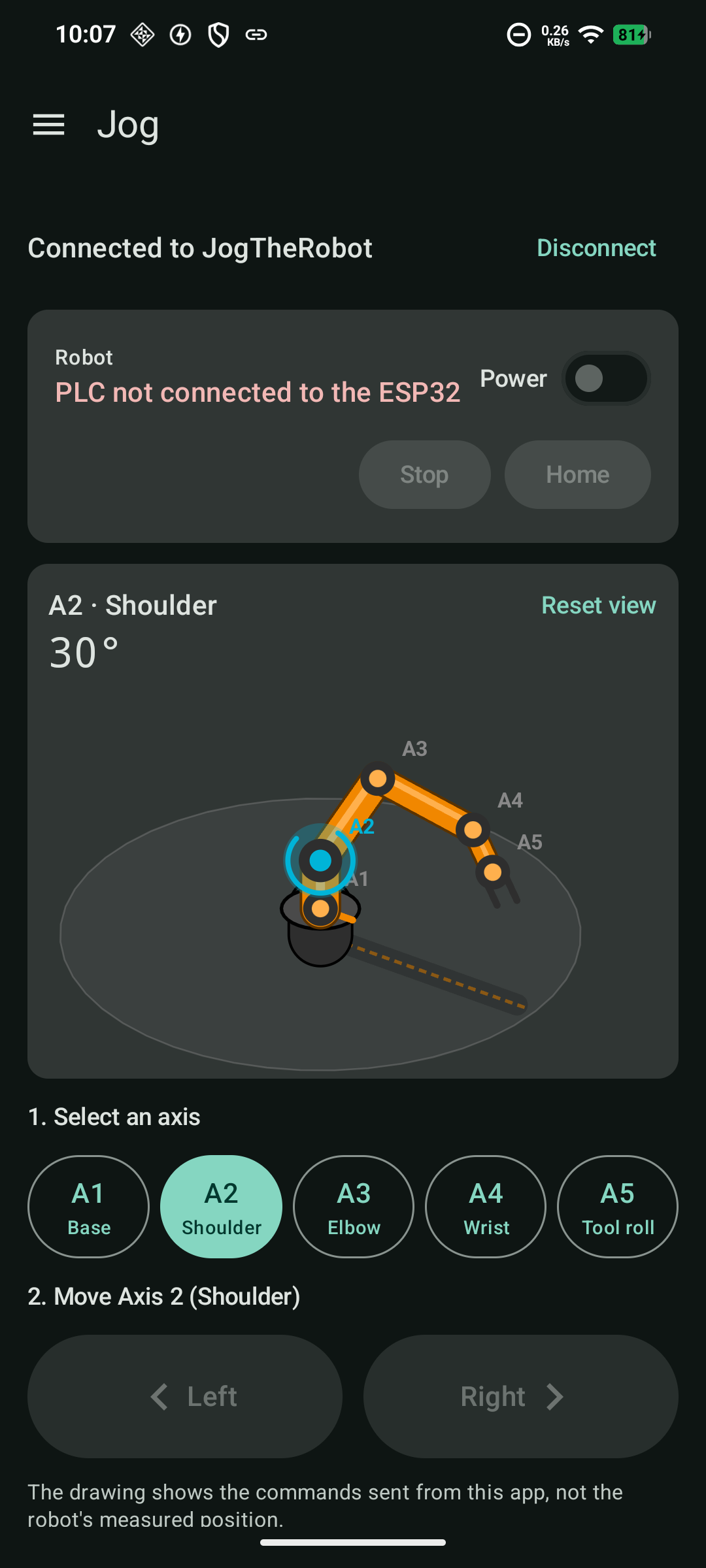
Pick an axis (A1 to A5), then hold Left or Right. The command repeats every 100 ms while you hold and a stop is sent the moment you let go.
Android · BLE · Modbus TCP · Pose estimation
Jog The Robot is a Kotlin / Jetpack Compose app that moves a 5-axis igus robolink-style arm. Hold a button to jog an axis, or stand in front of the camera and let an on-device YOLO pose model turn your arm positions into jog commands.
A complete phone-to-robot control chain: the Android app, the ESP32 firmware that bridges Bluetooth to the PLC, and the PLC logic that drives the arm.
Pick an axis (A1 to A5), then hold Left or Right. The command repeats every 100 ms while you hold and a stop is sent the moment you let go.
The front camera feeds YOLO26n-pose (ONNX Runtime, CPU or NNAPI). Seventeen body keypoints become axis selection and jog direction, no touch needed.
A 300 ms deadman on the ESP32, a heartbeat watchdog to the PLC, and jog buttons that stay disabled unless the PLC is online and ready.
Every jog travels through four hops. Status flows back the other way, so the app always shows what the PLC is actually doing.
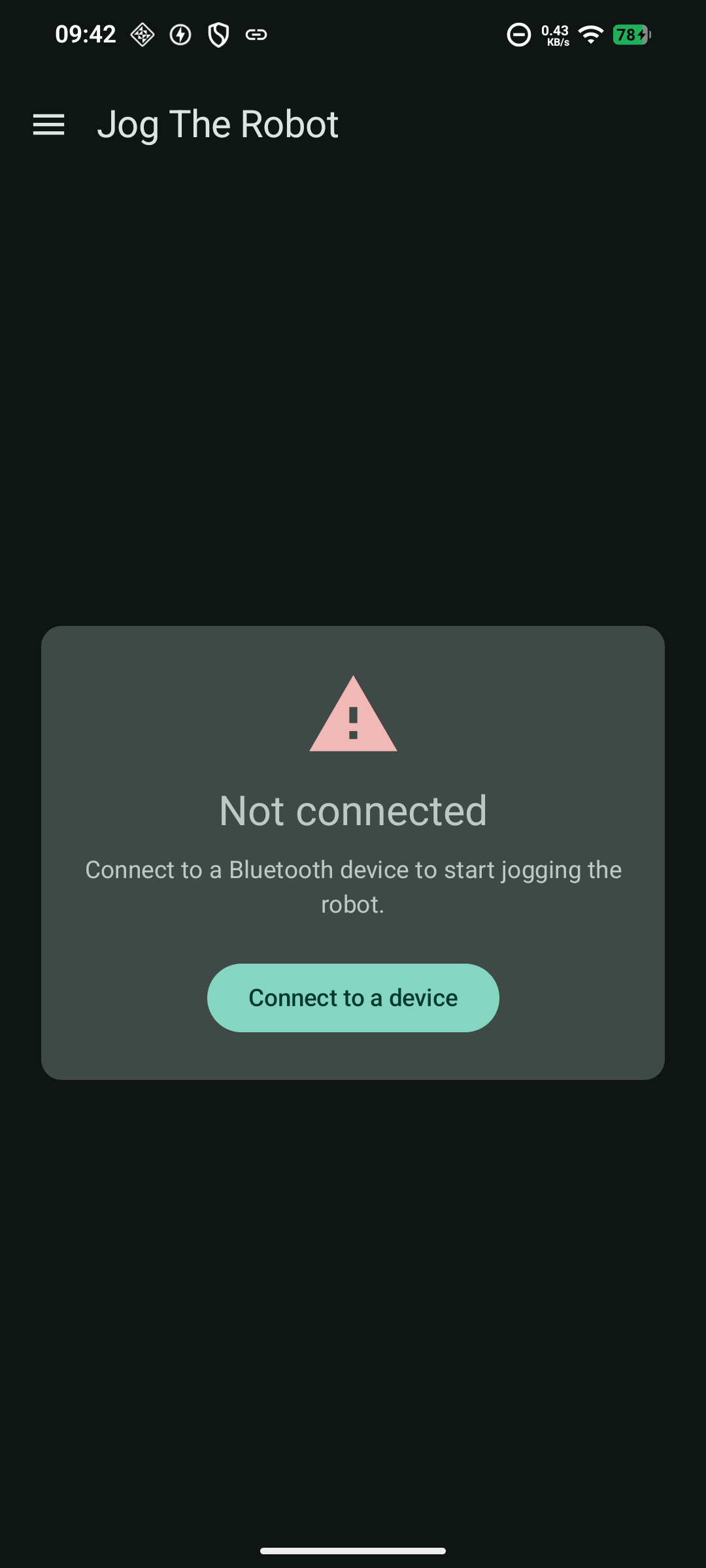
The app scans for 15 s and flags devices advertising the Nordic UART service. Pick JogTheRobot; it is saved for next time. On connect the app requests an MTU of 185 and subscribes to notifications.
The status card shows the PLC state (Power off, Powered not homed, Ready…). Flip the Power switch (P1), then tap Home (H). Jogging unlocks once the robot is Ready.
Tap a joint on the arm drawing or an axis button, then hold Left or Right. The app sends A2:R every 100 ms, the ESP32 puts axis and direction into Modbus input registers, and the PLC moves the arm.
Letting go sends S. If the phone goes quiet for 300 ms or disconnects, the ESP32 stops the jog on its own.
Each camera frame is letterboxed to 640×640 and run through the pose model. Gestures follow a fixed order: neutral, then an axis pose, then a turn pose to jog.
| Pose | Command | Effect |
|---|---|---|
| Both arms hanging straight down | NEUTRAL | Arms the selector and clears the axis |
| Arms crossed above the head (X) | STOP | Select A1 |
| T-pose, both arms horizontal | START | Select A2 |
| Both hands up in a V above the head | FORWARD | Select A3 |
| Both arms down at ~45°, hands apart | BACKWARD | Select A4 |
| Left arm horizontal, right arm down | TURN_LEFT | Jog selected axis Left |
| Right arm horizontal, left arm down | TURN_RIGHT | Jog selected axis Right |
| No person in frame | NO_PERSON | Clear the axis and stop |
While a turn pose is held the jog repeats every 100 ms. If no frame shows it for 400 ms, the loop ends and sends S, so inference needs to stay above about 3 FPS. On a Nothing Phone (A015) with NNAPI FP32 it runs at about 6 FPS.
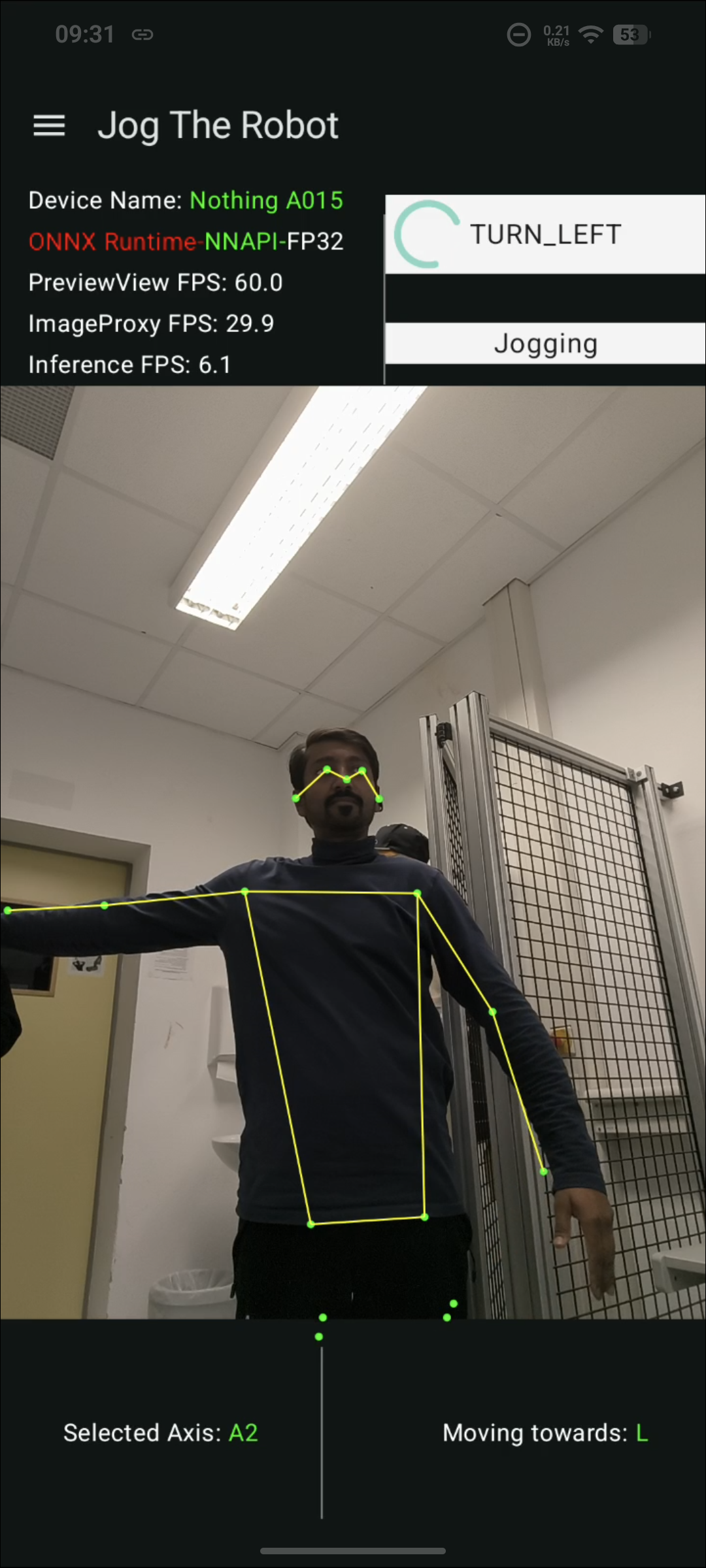
TURN_LEFT Left arm out, right arm down: jogs the selected axis Left.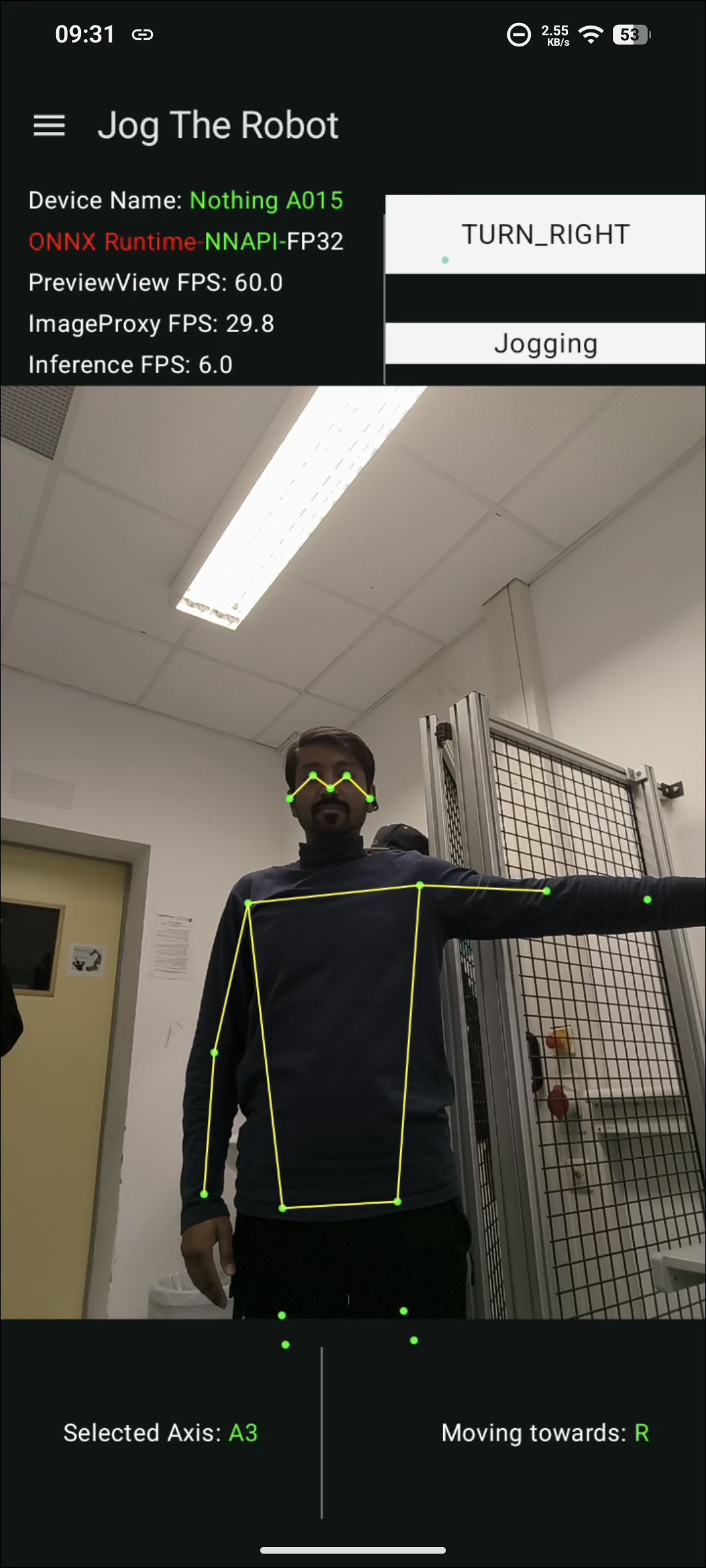
TURN_RIGHT Right arm out, left arm down: jogs the selected axis Right.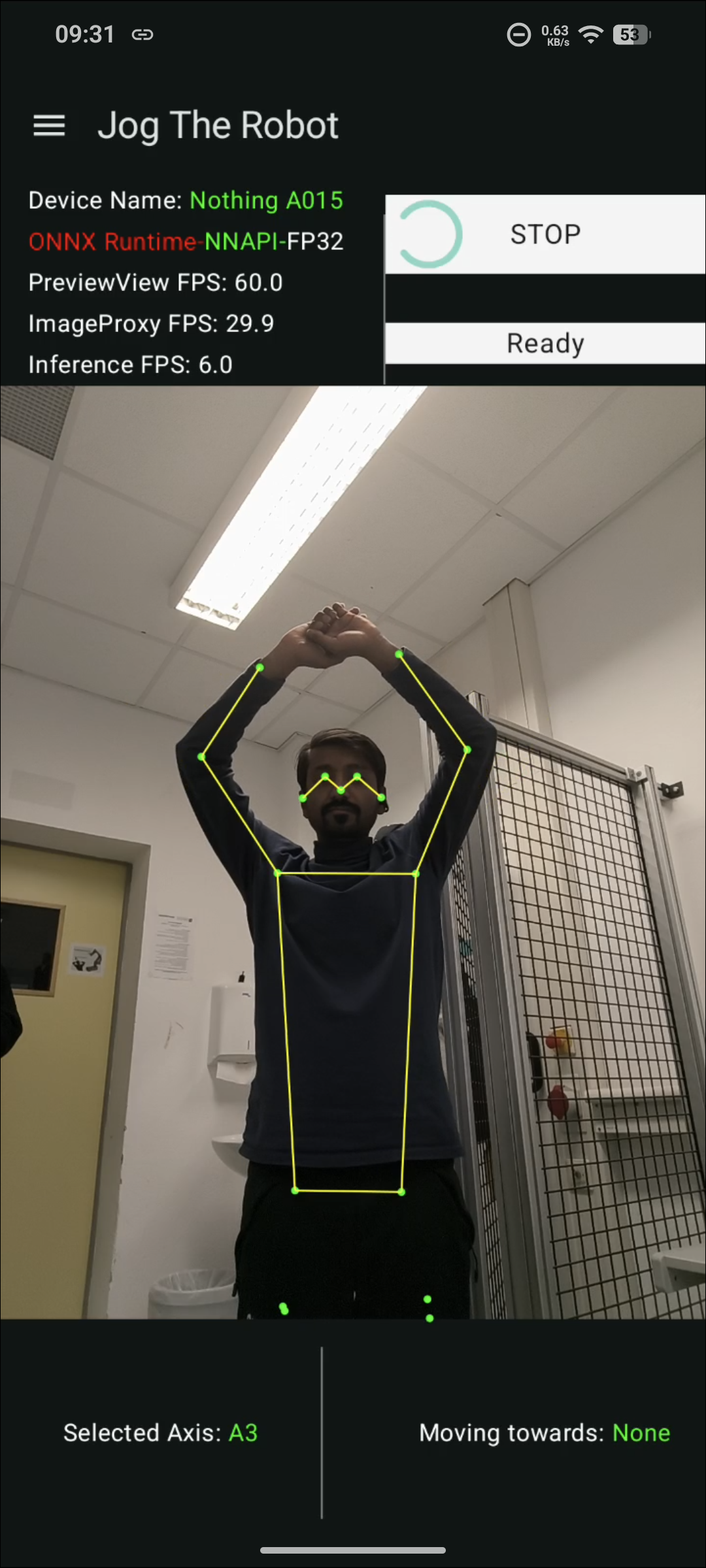
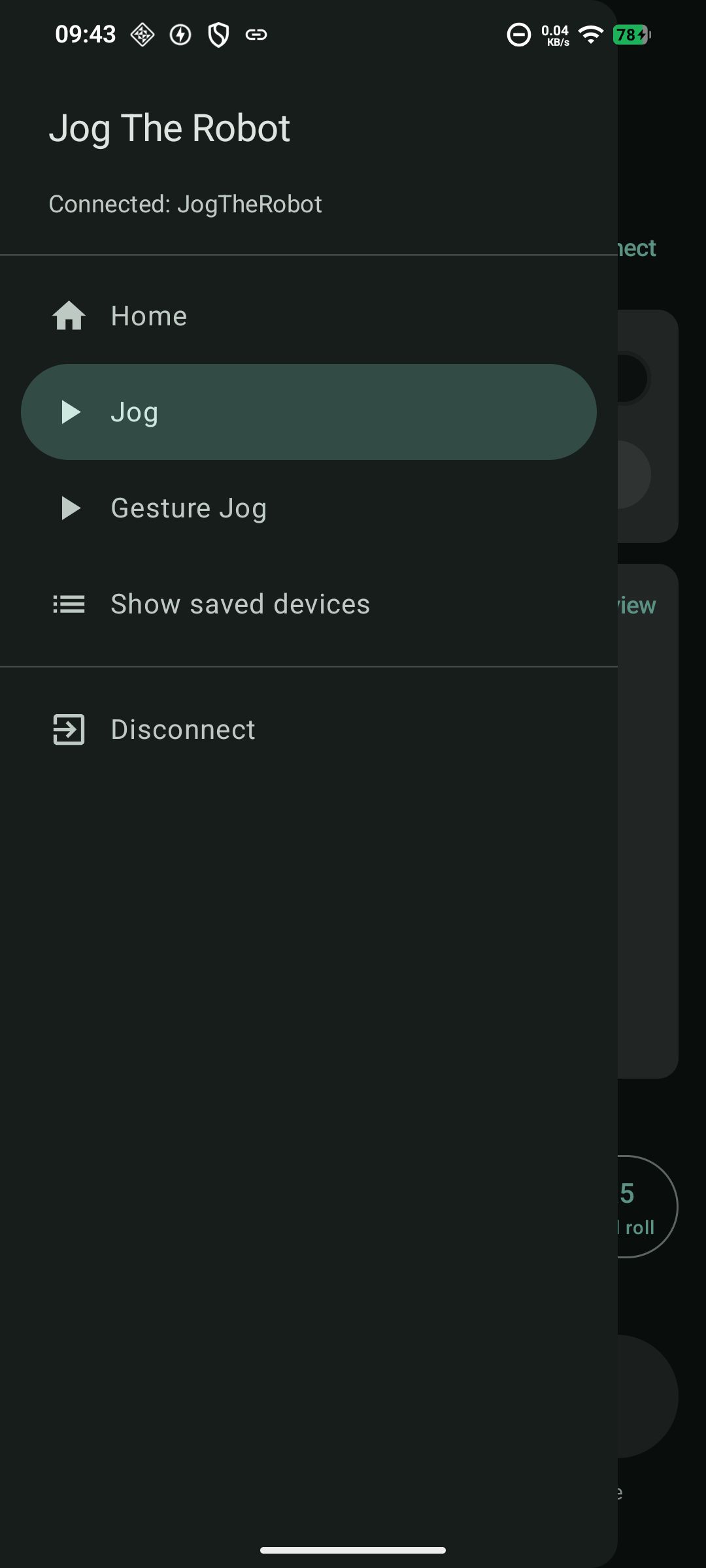
STOP (arms crossed) Arms crossed above the head: selects axis A1.A tour of the app on a Nothing Phone (A015), from connecting to jogging. The Jog and Axis selected screens were taken with the PLC offline; Homing, Ready and Jogging come from a live session with the robot.
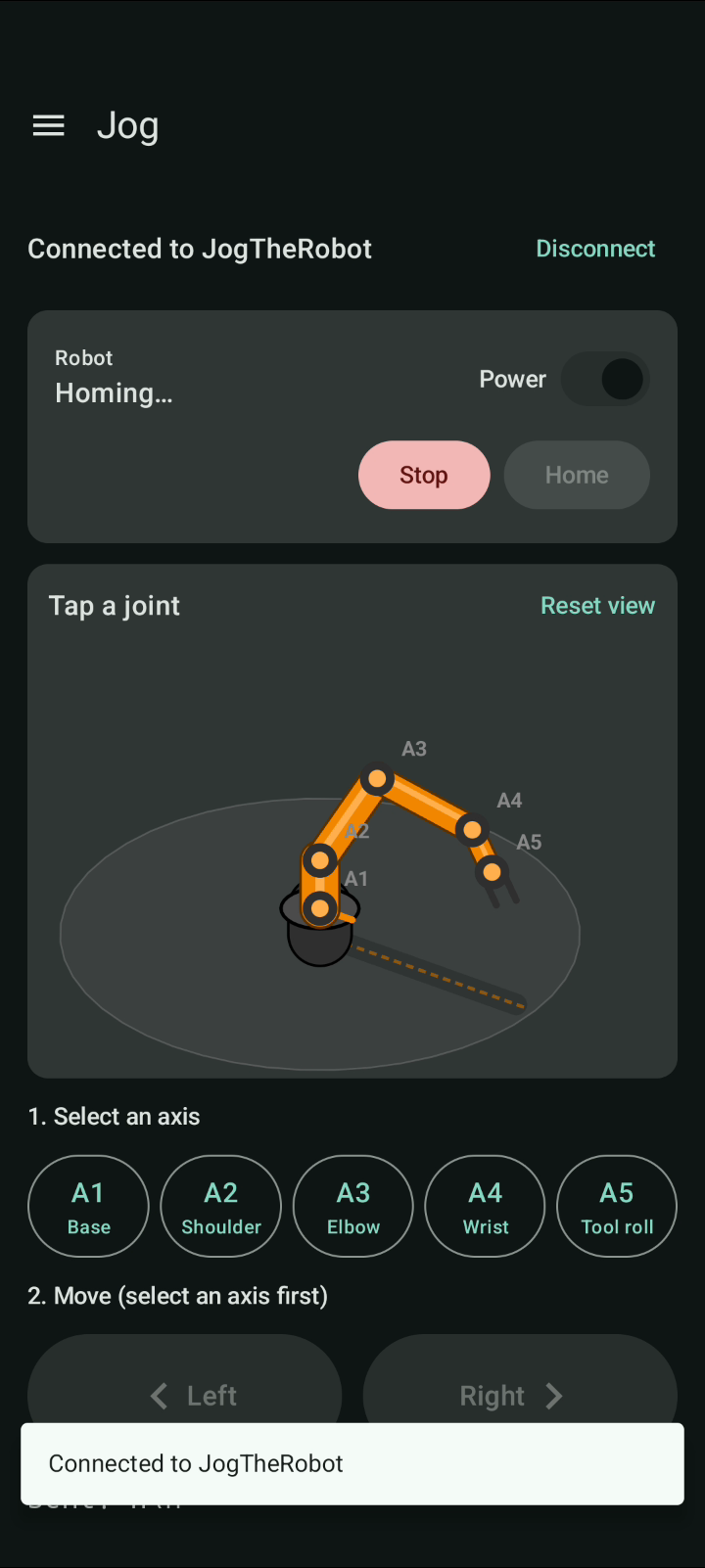
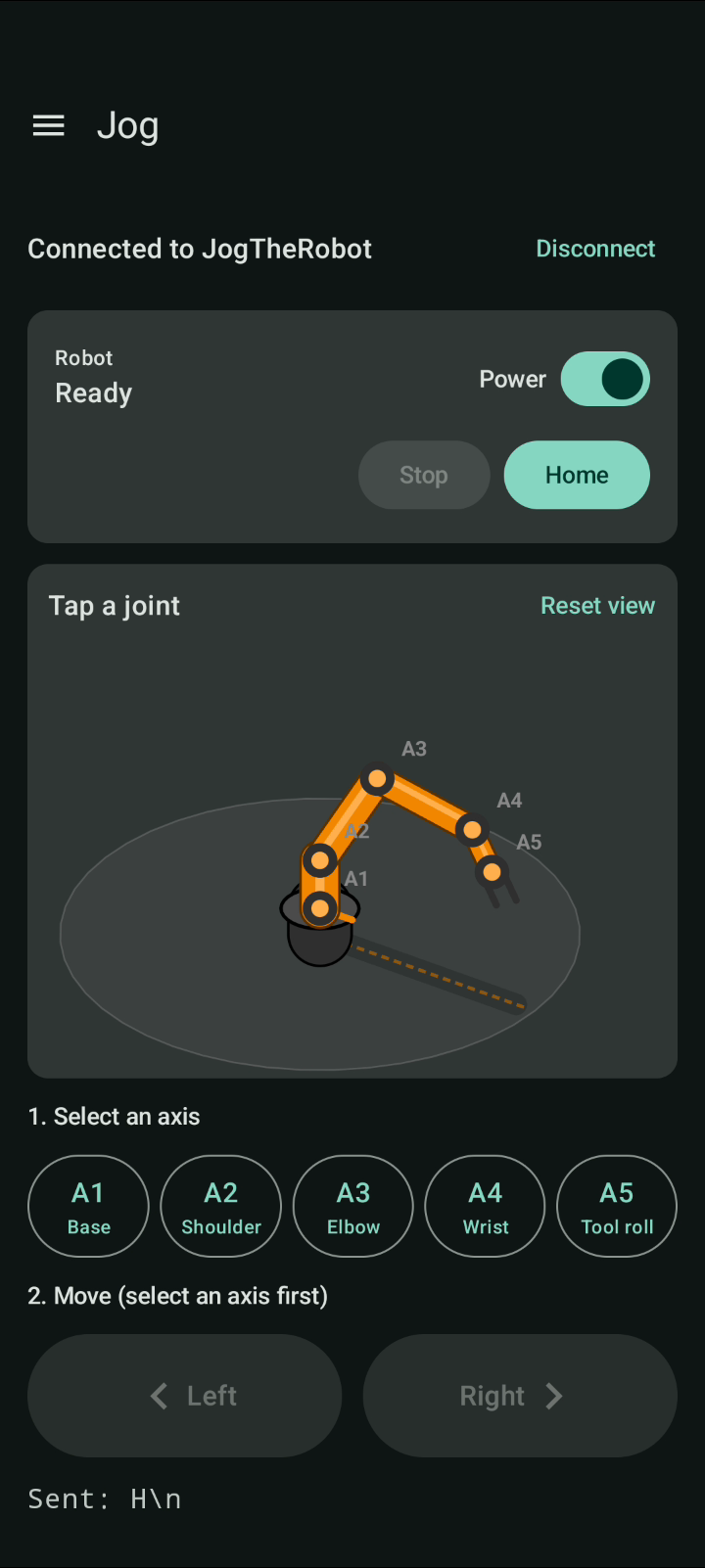
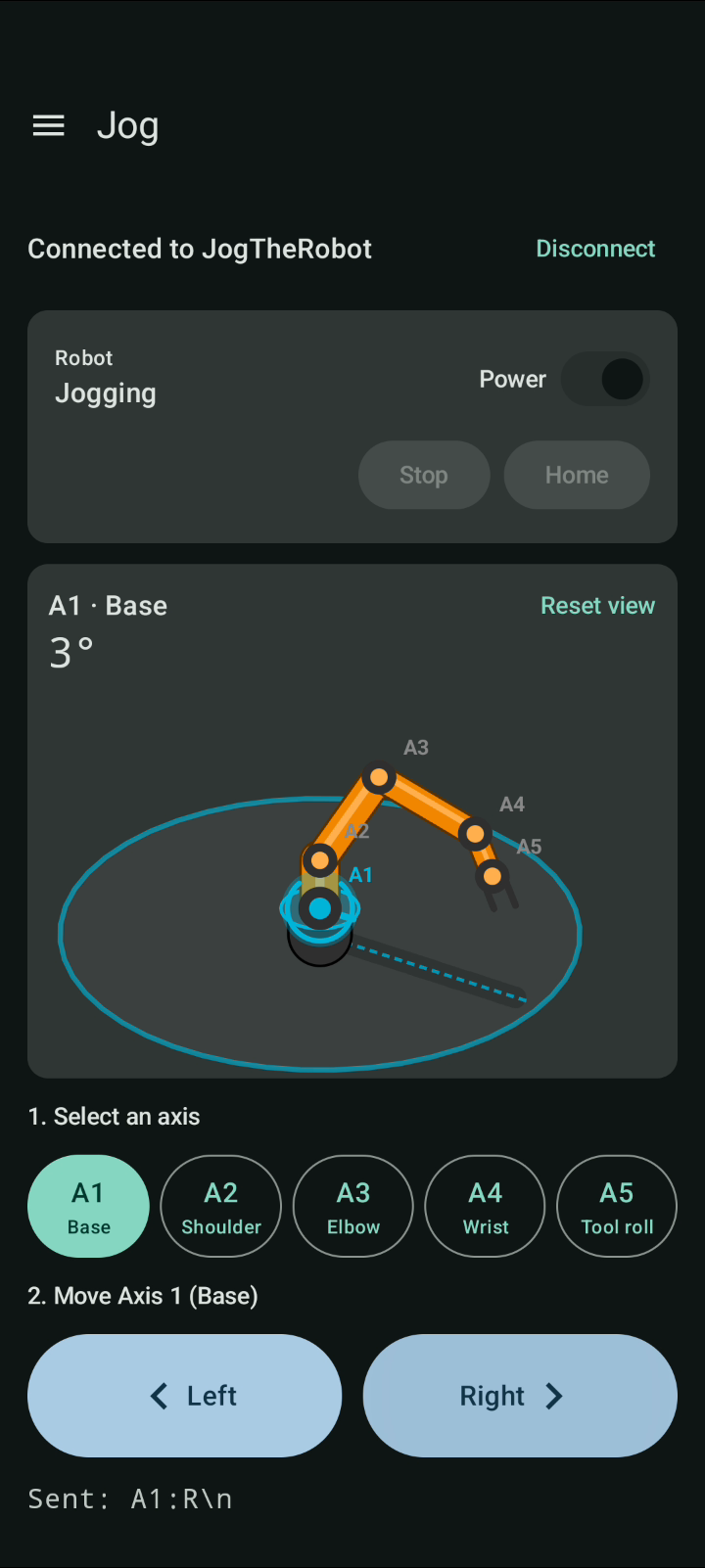
Phone screen on the left, robot on the right. First touch Jog, then Gesture Jog.
Jog The Jog screen and the arm side by side.
Gesture Jog The phone reads body poses from the front camera (left) and the arm moves to match (right): select an axis with a pose, then jog it Left or Right with one arm out. 1 min 43 s.
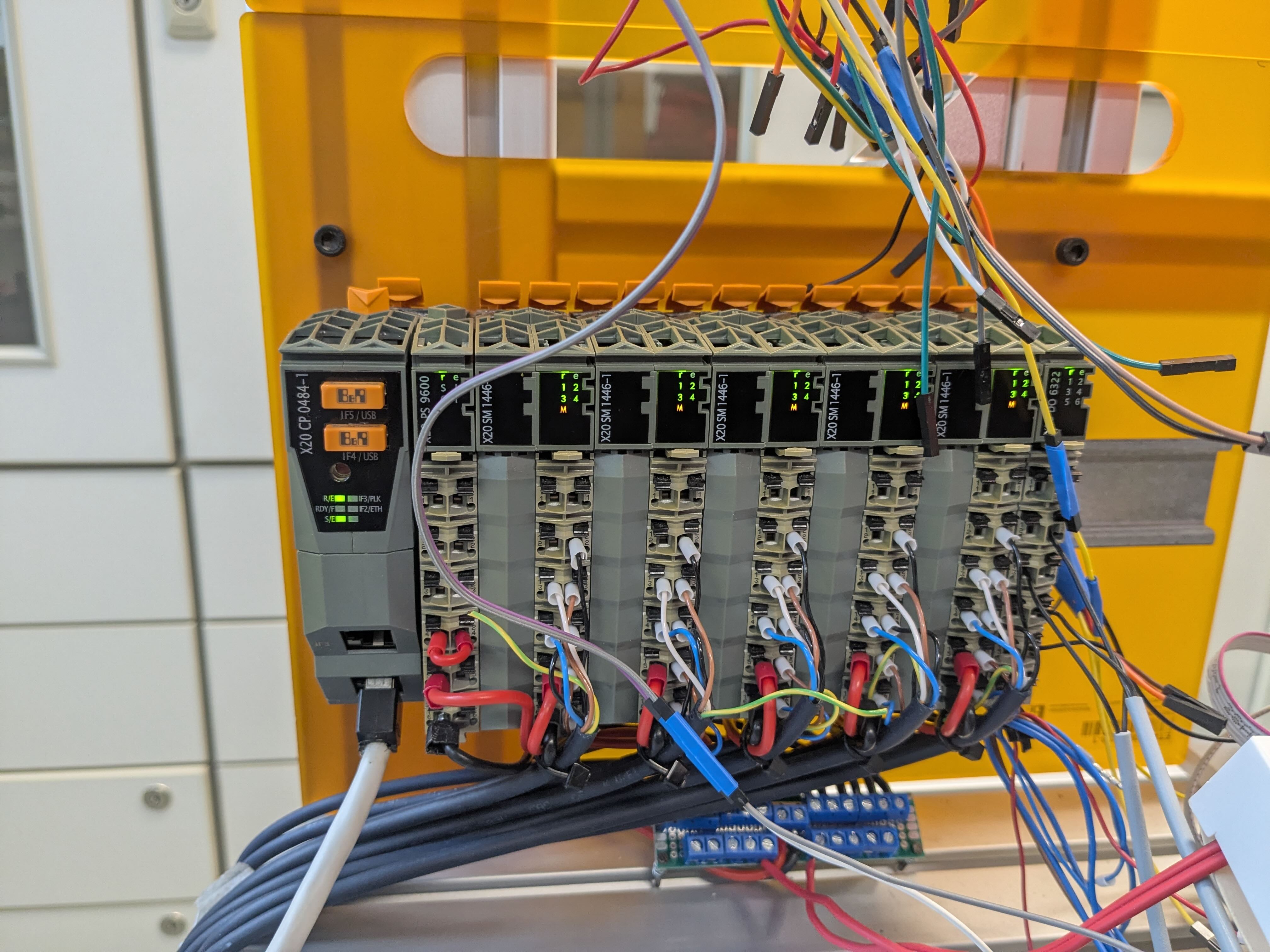
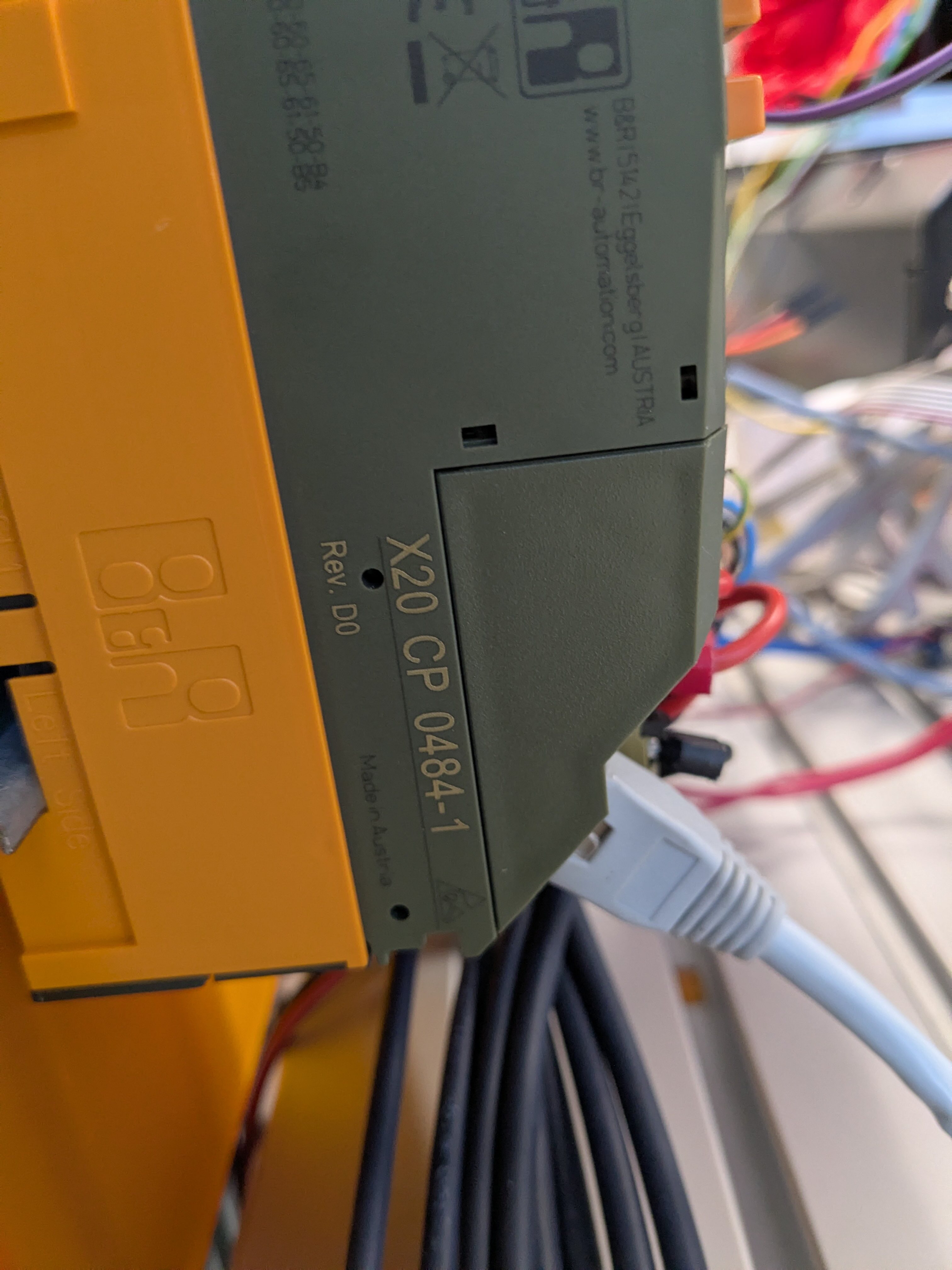
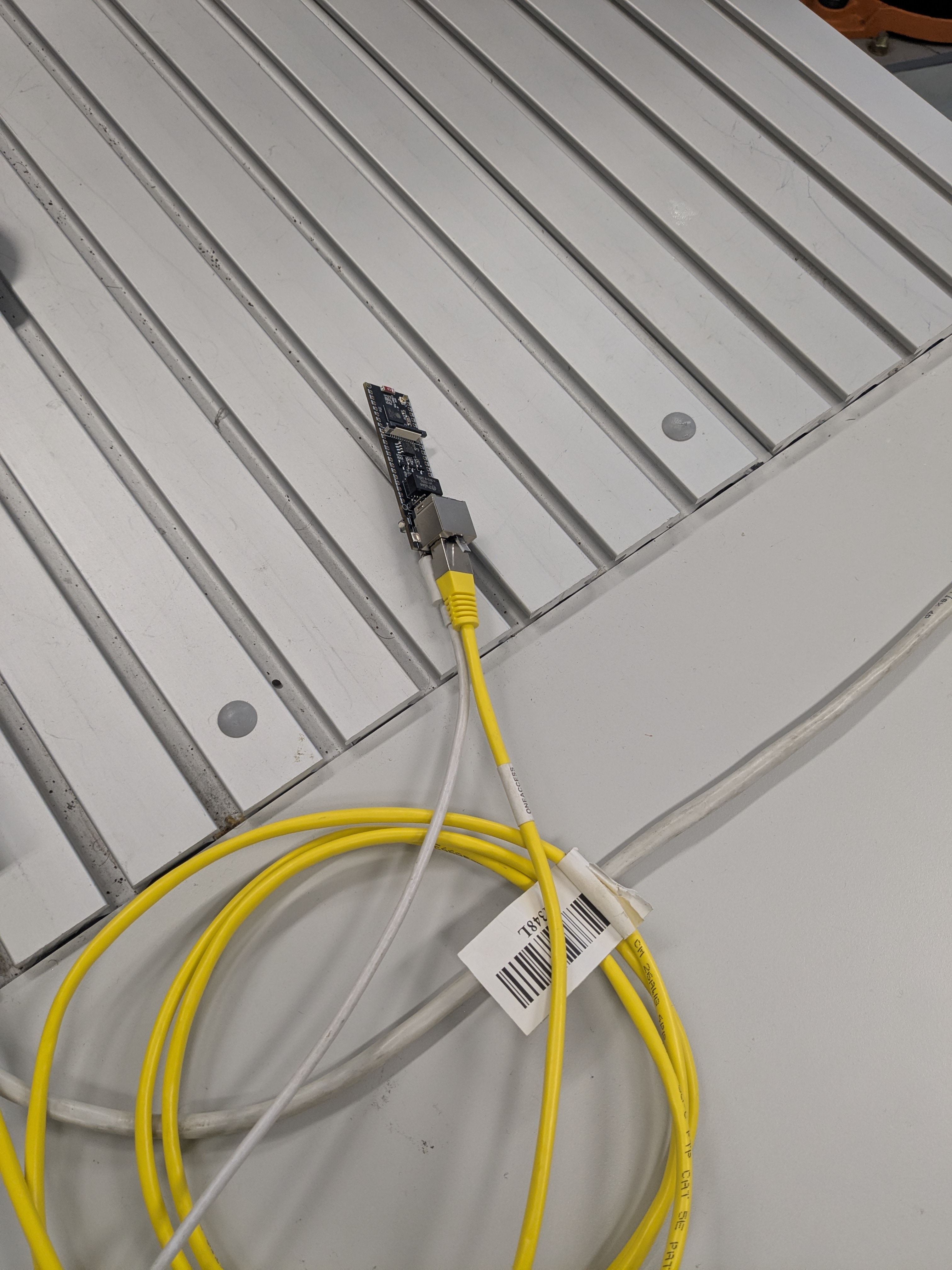
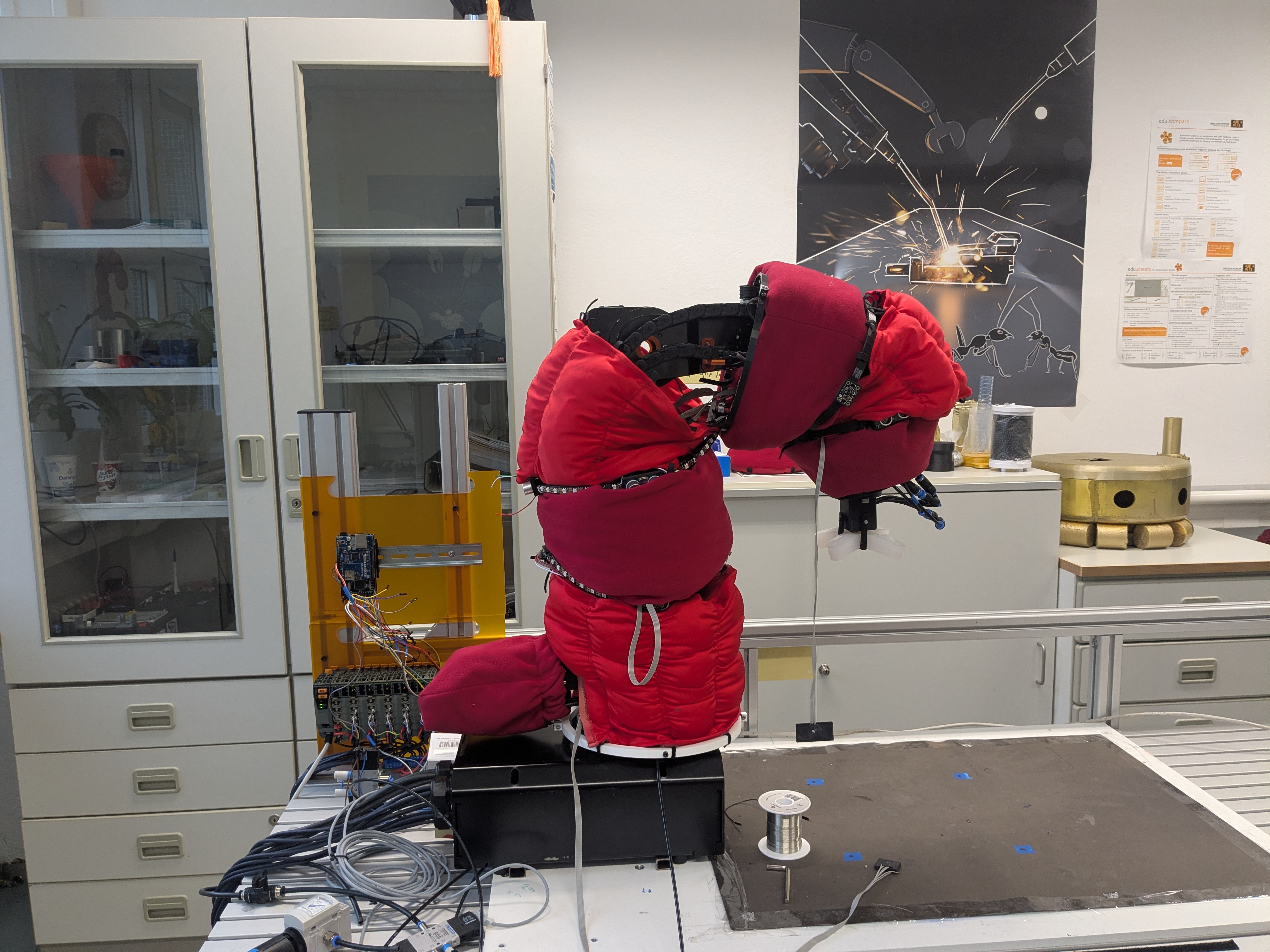
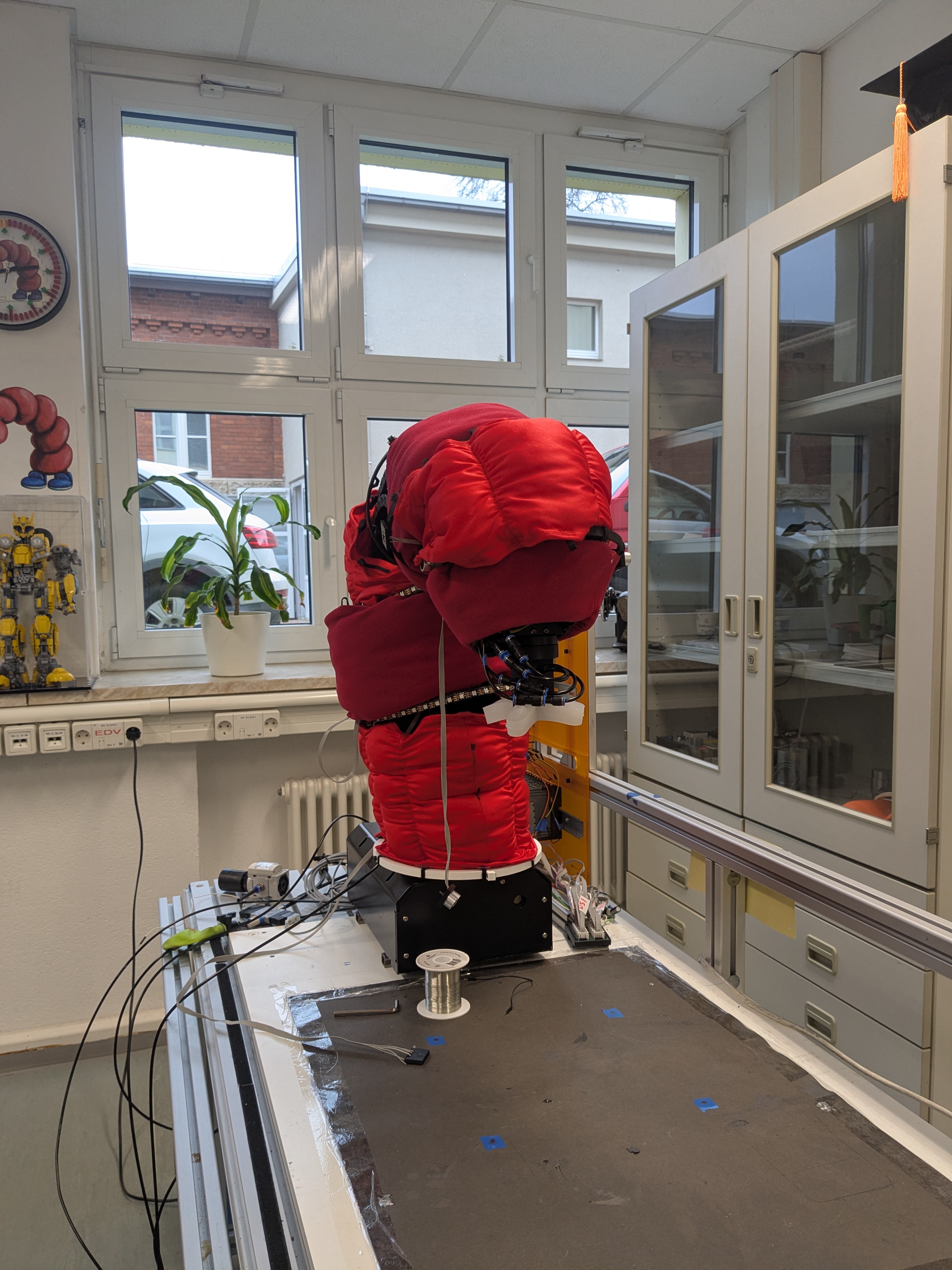
A B&R X20 PLC drives a 5-axis igus arm. The ESP32-S3-ETH sits between the phone and the PLC, talking BLE on one side and Modbus TCP over Ethernet on the other. Tap a photo to open it full size.
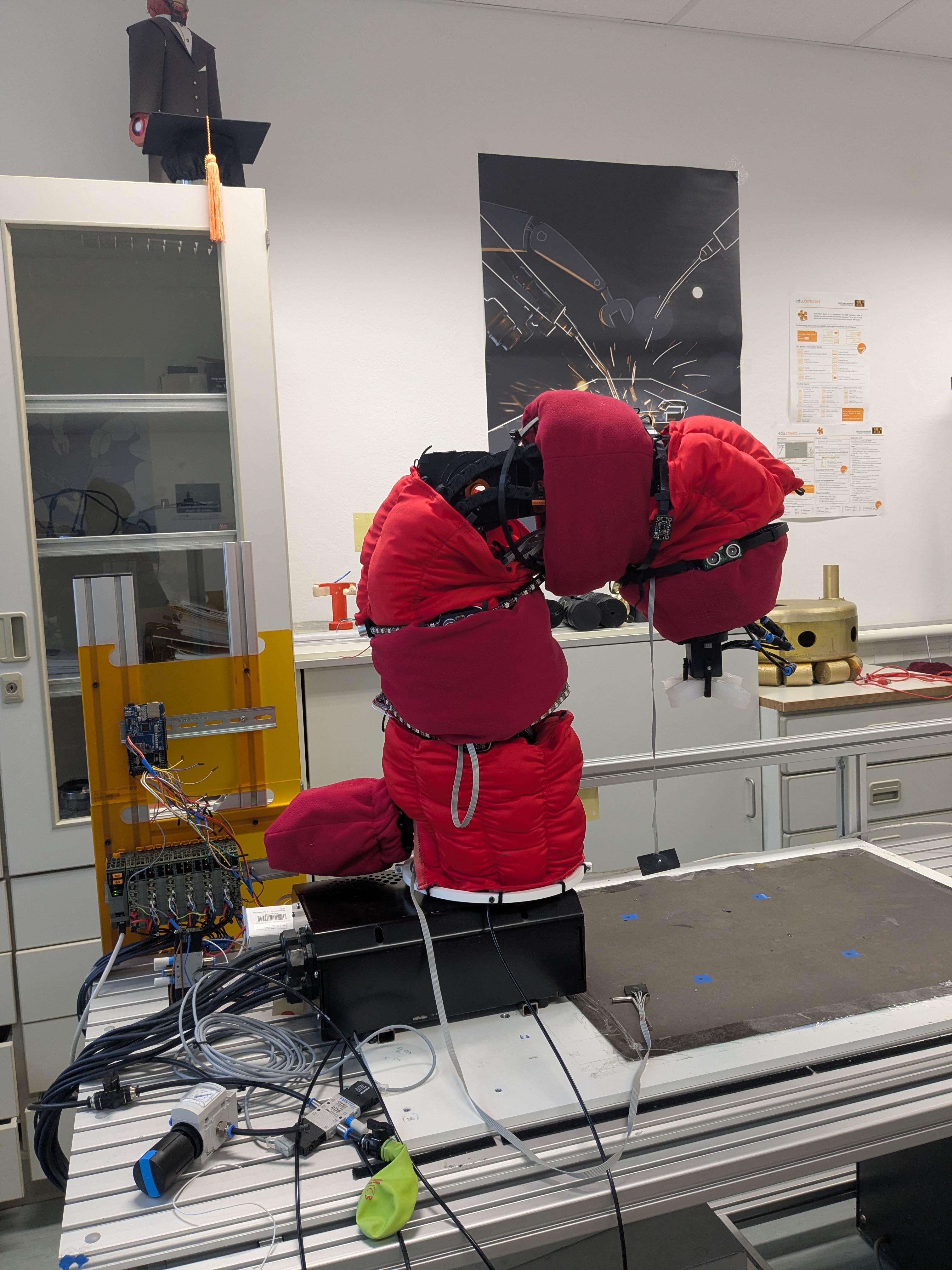
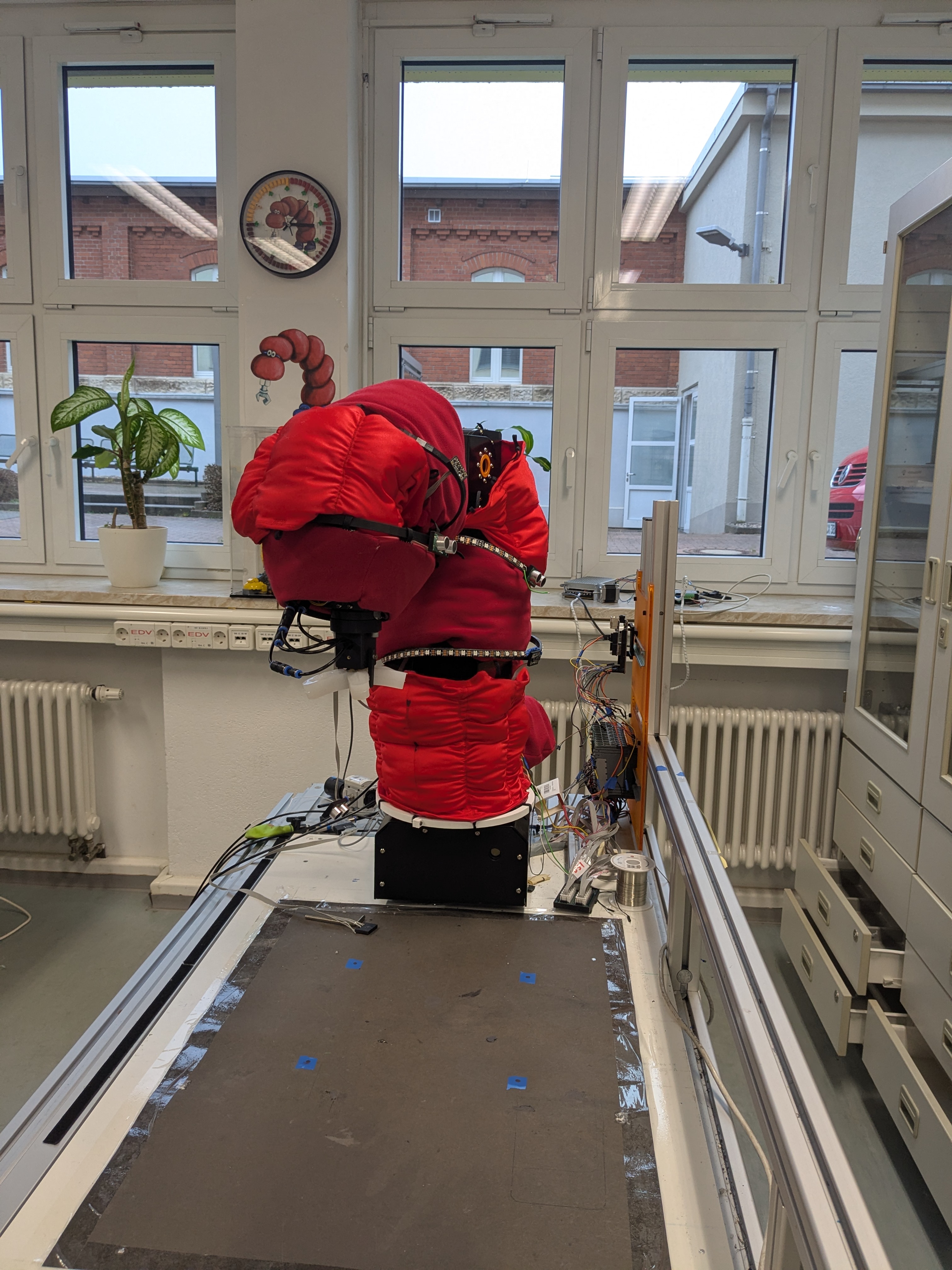
Short clips of both control modes. Videos start muted; use the player controls to unmute.
Plain ASCII lines over BLE, ending in \n. Both sides buffer until a newline because BLE packets can split or join lines.
| Command | Meaning |
|---|---|
A1:L … A5:L | Jog axis negative, every 100 ms while held |
A1:R … A5:R | Jog axis positive, every 100 ms while held |
S | Stop jogging |
P1 / P0 | Robot power on / off |
H | Home the robot |
X | Stop a running program, move or homing |
| Line | Meaning |
|---|---|
ST:20,1 | Robot state code and PLC online flag, sent every second and on change |
OK A2:R | Acknowledges a new jog direction |
OK S | Acknowledges a stop |
| Role | UUID |
|---|---|
| Service | 6E400001-B5A3-F393-E0A9-E50E24DCCA9E |
| RX (write) | 6E400002-B5A3-F393-E0A9-E50E24DCCA9E |
| TX (notify) | 6E400003-B5A3-F393-E0A9-E50E24DCCA9E |
Jogging is allowed only in Ready and Jogging, and only while the PLC is online.