A quieter place for your thoughts
A little space.
For everything
on your mind.
The idea you don’t want to lose. The list that keeps your day moving. Notiz brings rich text, editable tables, sketches, pictures, and voice recordings together on Android.
Get Notiz Take a look insideWorks offline · No ads · Account optional
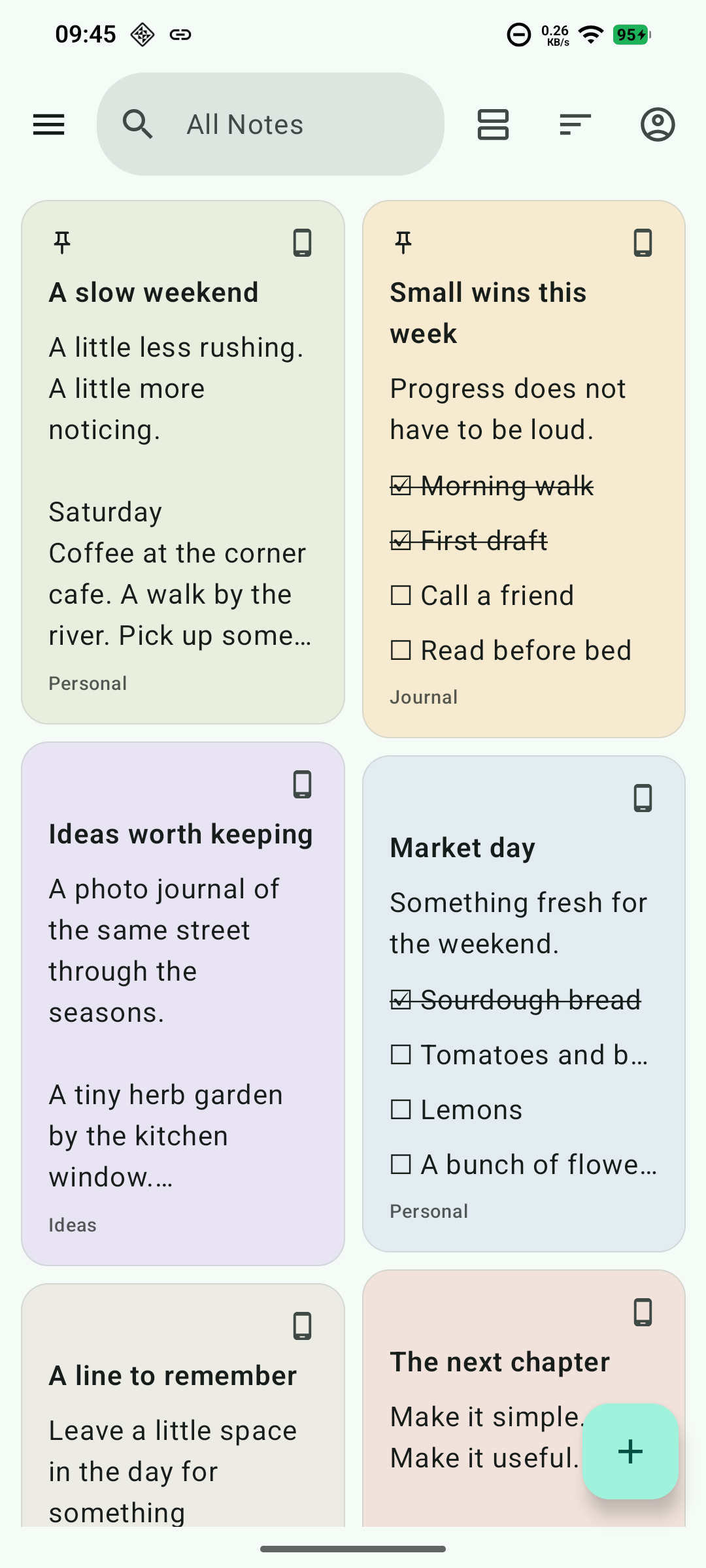
Your day, a little more collected.
More than a blank page
However you think,
there’s room for it here.
Some ideas need words. Others need rows and columns, a picture, or a quick sketch. Build a note around the way you think, with text, tables, lists, and media together.
Tables, right inside your notes
Give your ideas
a little structure.
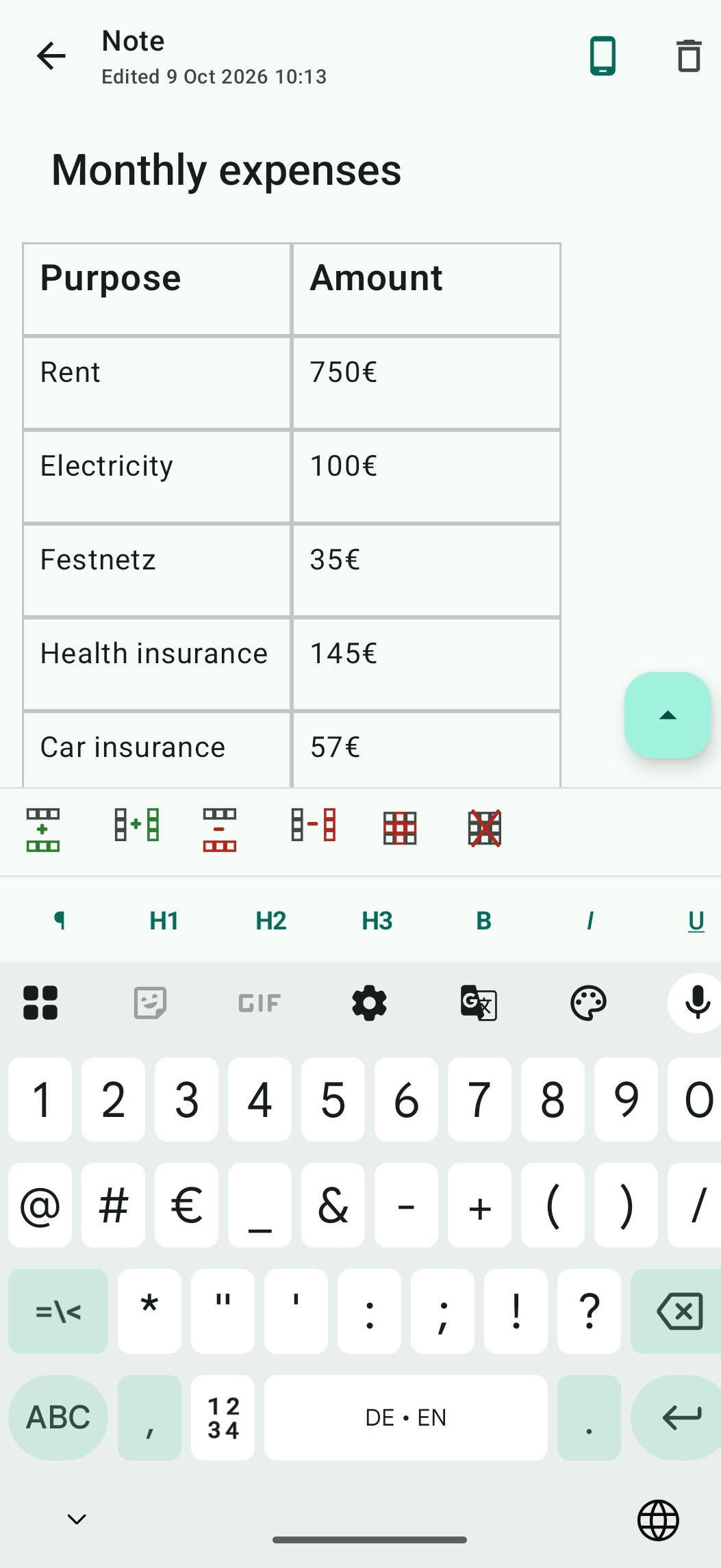
Plan a week, compare options, or keep track of expenses. Create an editable table in your note and keep the details in clear rows and columns, alongside your writing.
- Add room as you go.Insert a row below or a column after the selected cell when your plans grow.
- Keep only what you need.Delete a row, a column, or the entire table with the table controls.
- Make the details stand out.Edit individual cells and format their text to give headings and key information emphasis.
Give your words
the right emphasis.
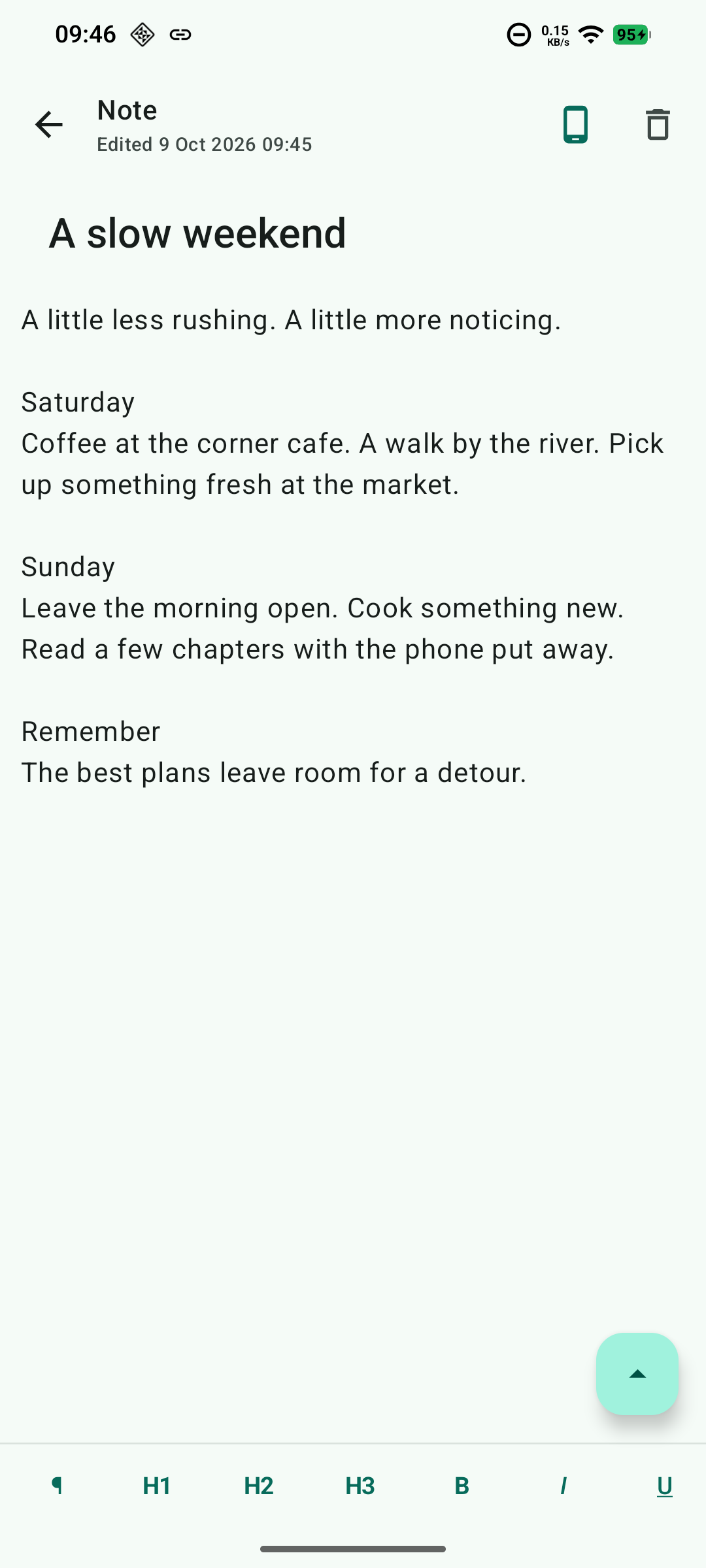
Create structure with headings. Use bold, italic, underline, and strikethrough to make the important parts clear, and align your text to suit the note.
A little less to
keep in your head.
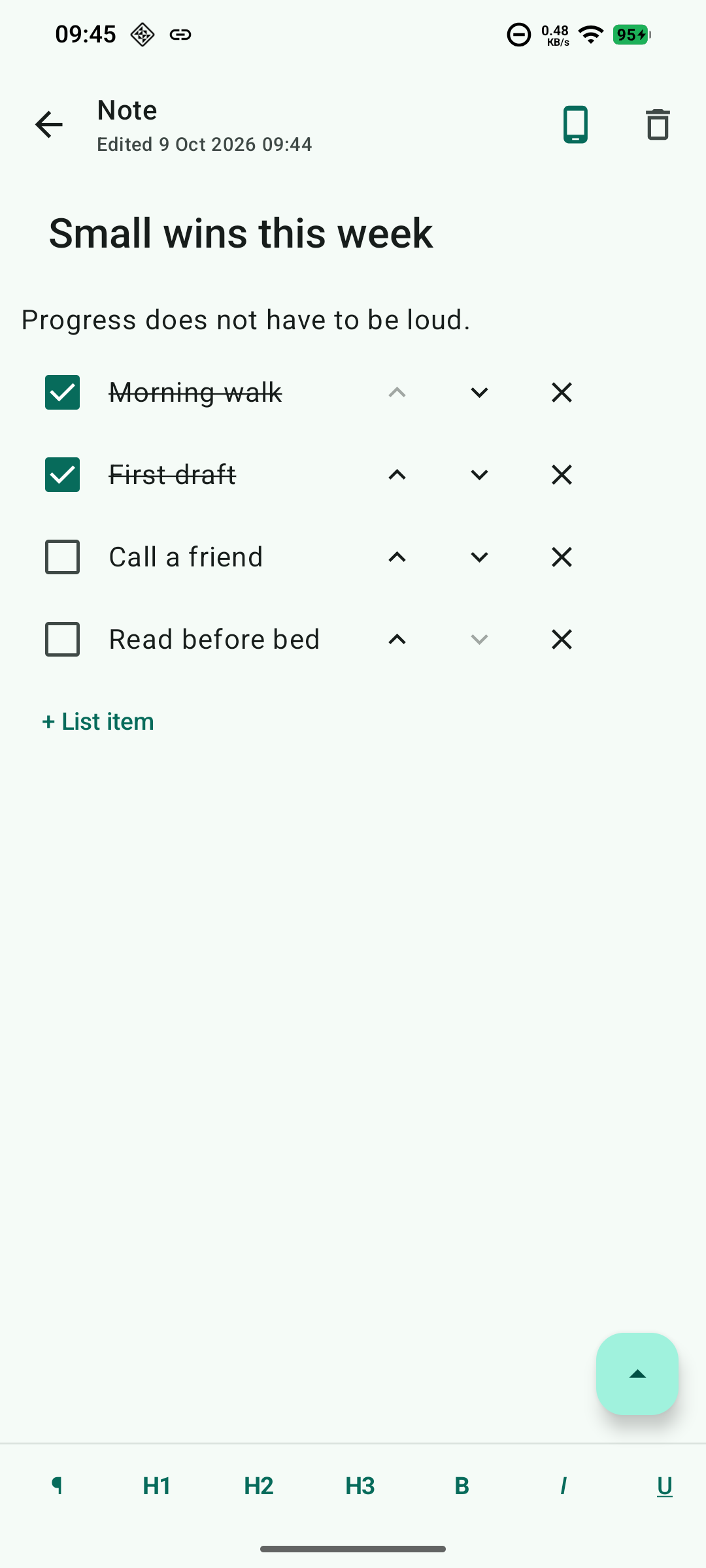
Turn next steps into checklists. Use labels, pin the important things, and find your notes with search.
Not every thought starts with typing
Sketch it. Save it.
Say it.
A drawing, a useful screenshot, a thought spoken aloud. Keep more than words in your notes, with the context that makes them useful.
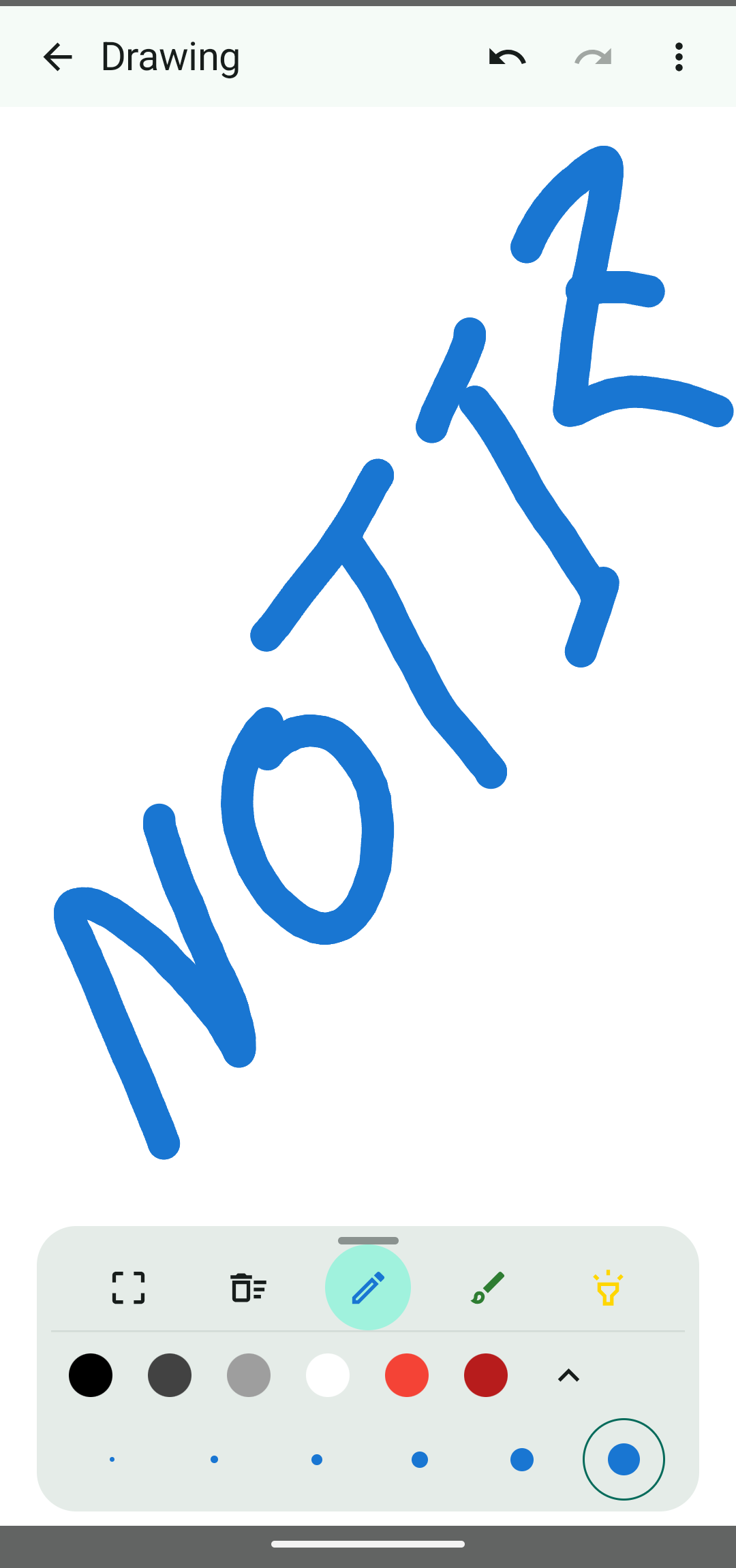
DRAWING NOTES
Think with your pen.
Sketch a shape, jot down an idea by hand, or draw a quick diagram. Choose drawing tools, colors, and stroke sizes, then keep your drawing with the note.
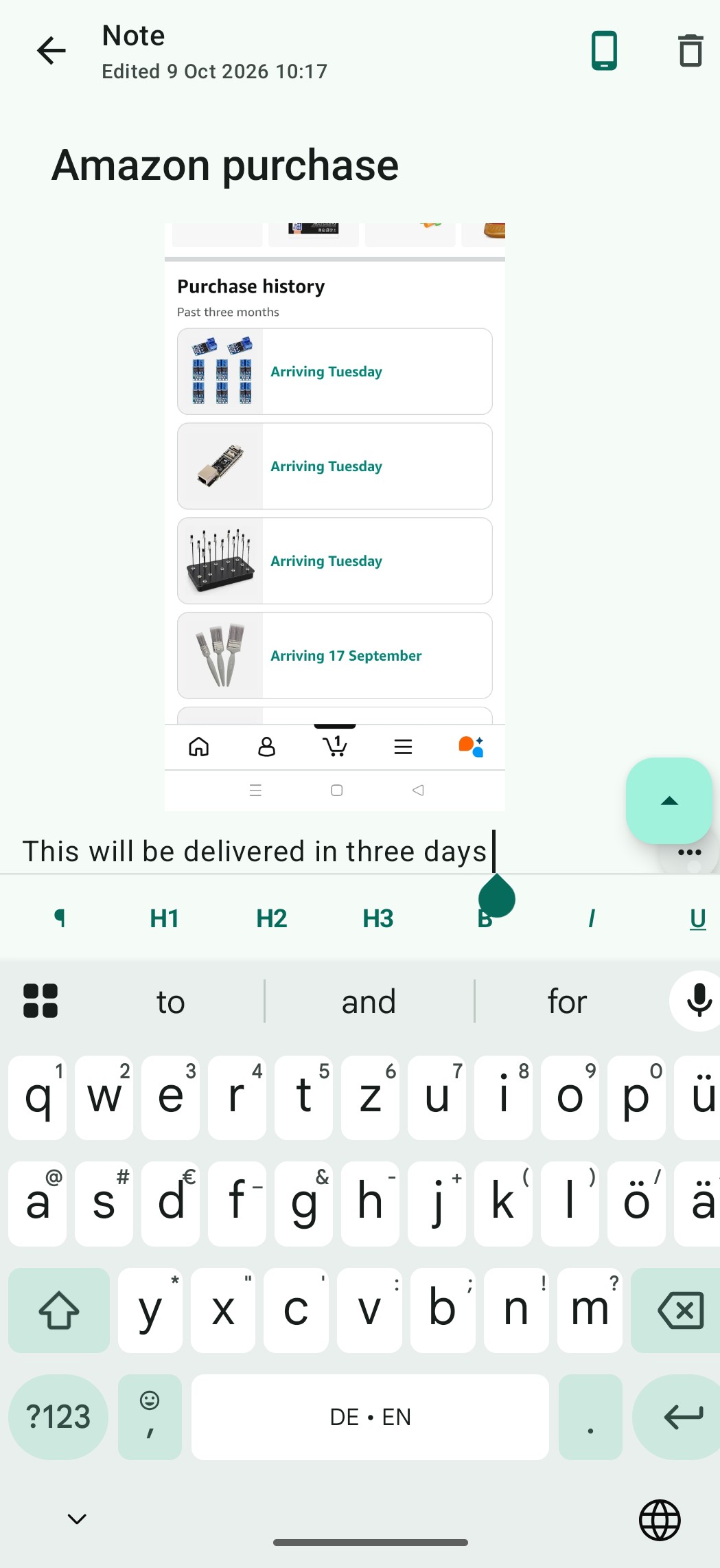
PICTURE NOTES
Keep the whole picture.
Add a photo or screenshot, then write the detail you want to remember beside it. Save a reference, a purchase, or a moment with your own context.
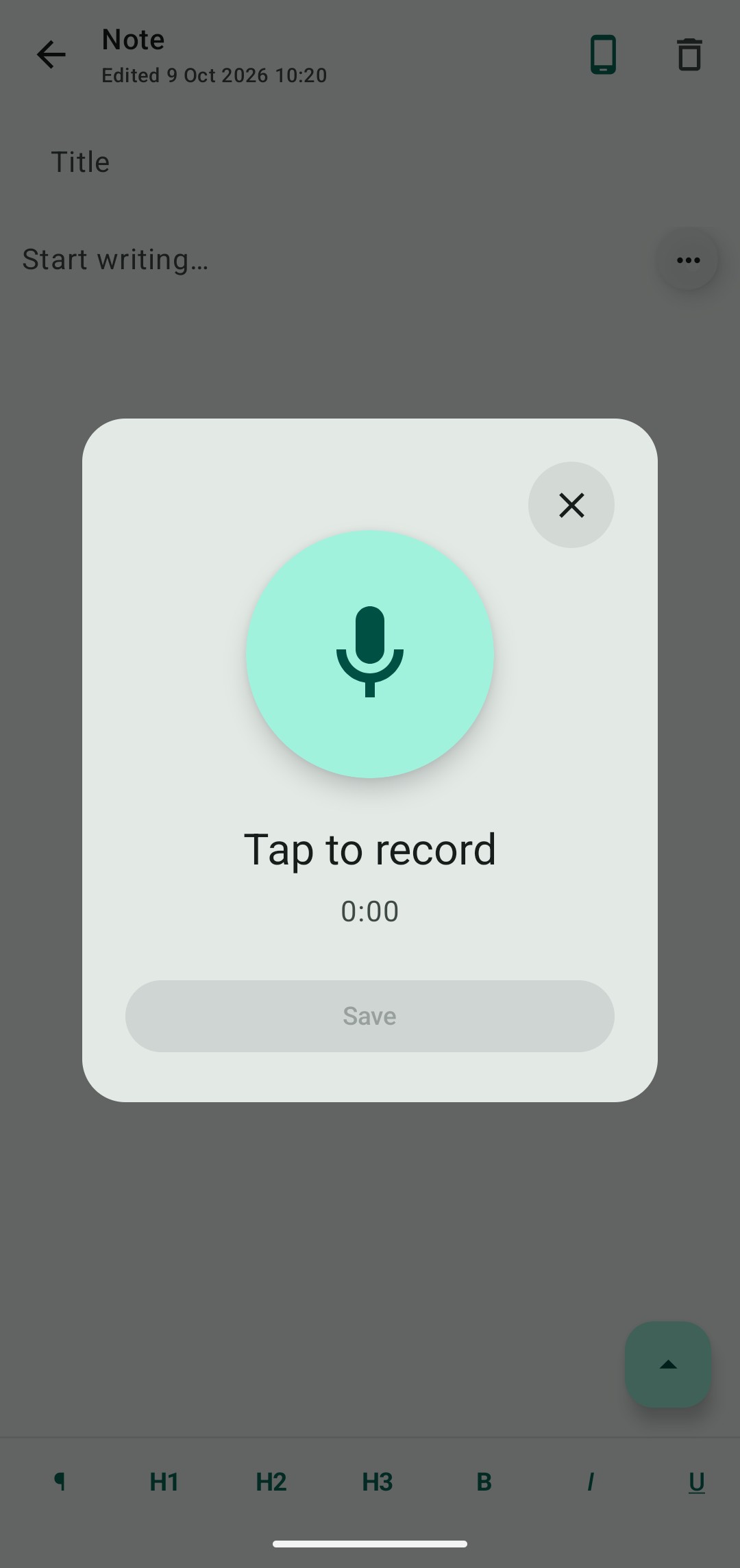
AUDIO NOTES
Catch it in your own voice.
Record a thought directly in your note. Save the audio to listen again later, and add written details whenever you’re ready.
Your notes. Your choice.
At home on
your phone.
Start taking notes without an account. Keep them on your device, or choose which notes to add to Cloud when you sign in.
Read our privacy policy- Ready when you are
- Create and edit local notes offline. No connection needed to catch a thought.
- Cloud when you choose
- Optional synchronization for cloud notes, with a self-hosted backend in Germany.
- A copy you control
- Export your notes and attachments to a ZIP backup. Import them again when you need them.
- No advertising distractions
- No advertising SDKs or behavioral tracking. Just space for your notes.
Notiz for Android
Make room for your next idea.
Notiz is getting ready for its public release.
Download links will appear here when it’s available.