Start with a recording.
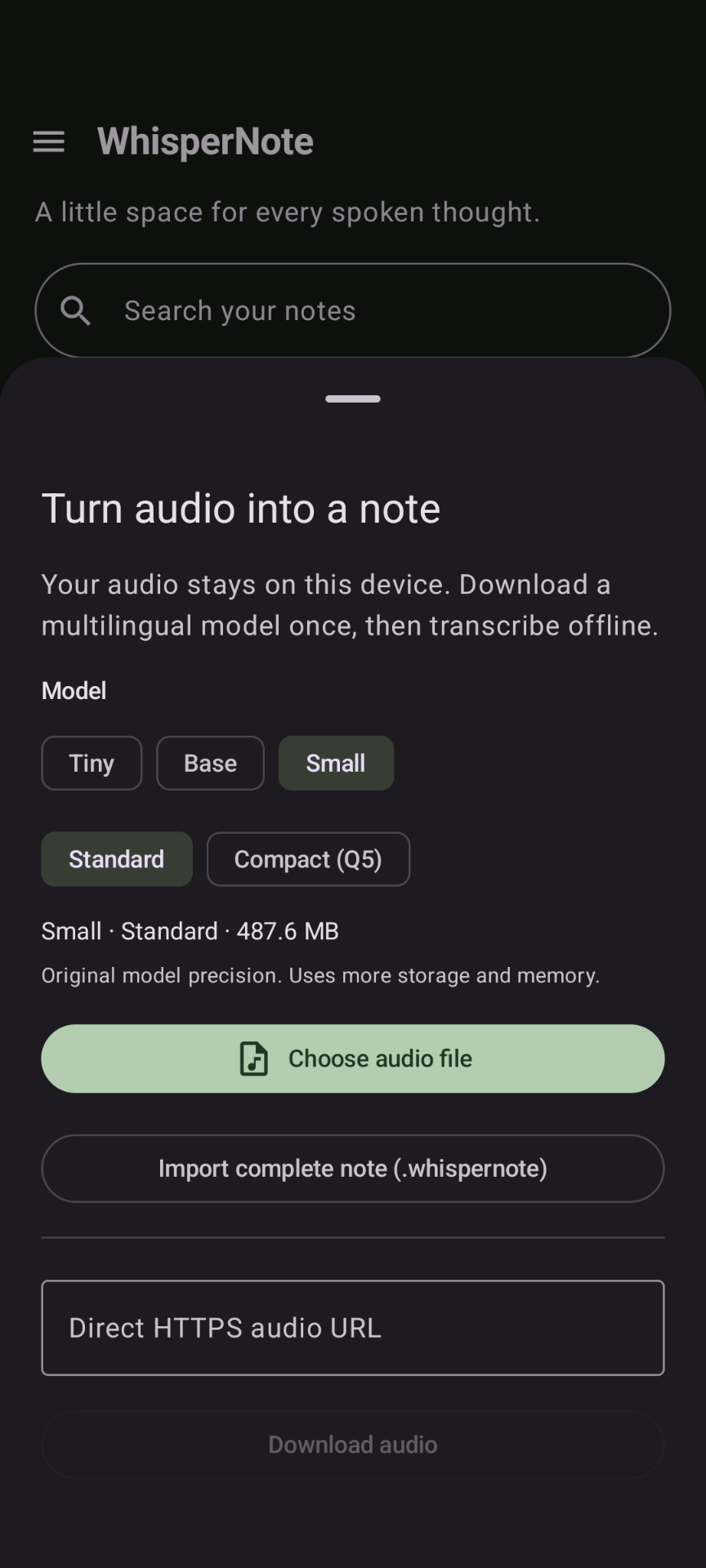
Choose an audio file from your device or download one from a direct HTTPS audio link. Select a transcription model and let WhisperNote turn it into a note.
An audio notebook for Android
Turn recordings into readable notes. Follow the transcript as you listen, translate an unfamiliar phrase, and pick up where you left off.
Android 7+ · On-device transcription · Open-source app code
A little space for every spoken thought
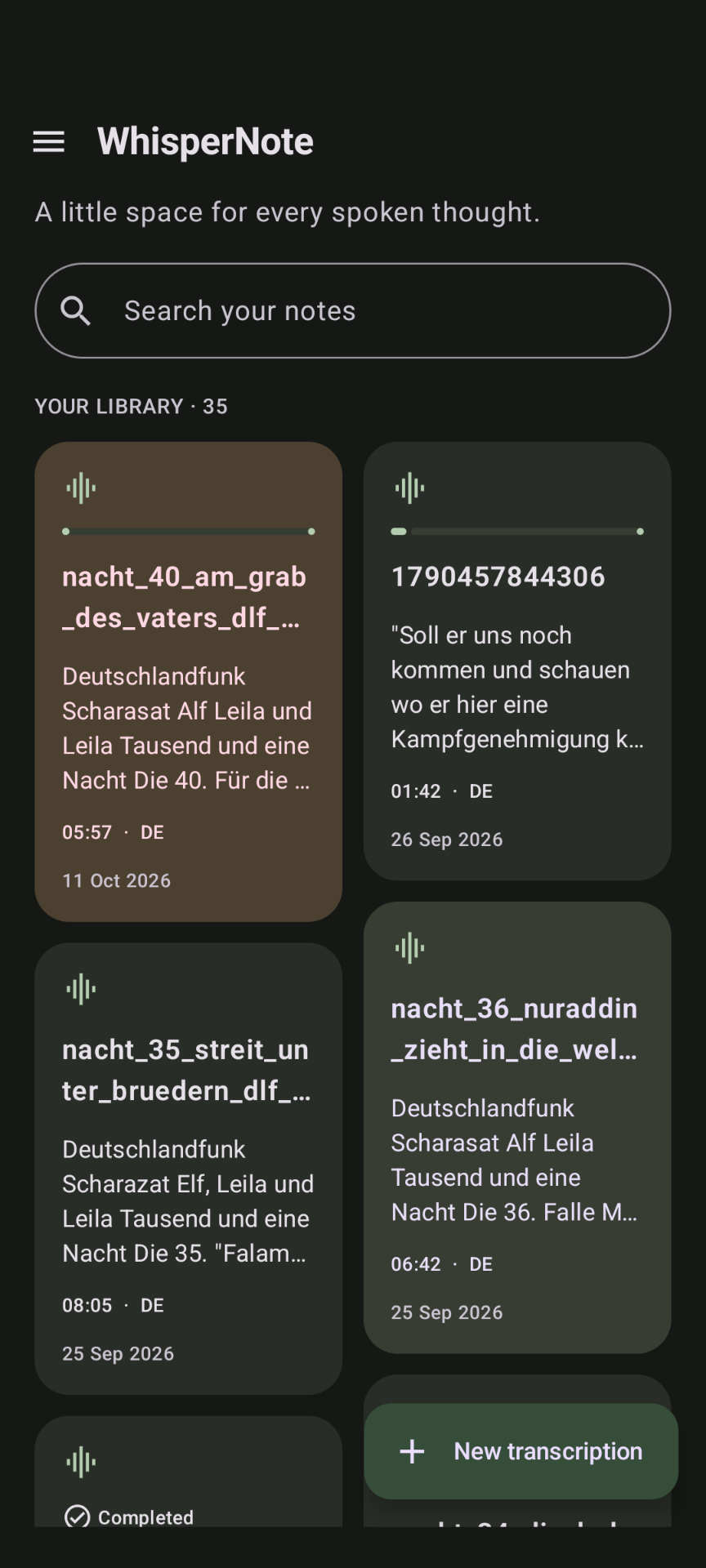
A library for your audio, a transcript you can edit, and playback that stays with you.
Actual app screenshots; appearance may vary by version and device.
From audio to something useful
Choose an audio file from your device or download one from a direct HTTPS audio link. Select a transcription model and let WhisperNote turn it into a note.
Download a multilingual Tiny, Base or Small Whisper model in Standard or Compact (Q5) format. Follow progress as timestamped segments appear, and resume interrupted transcription from saved progress.
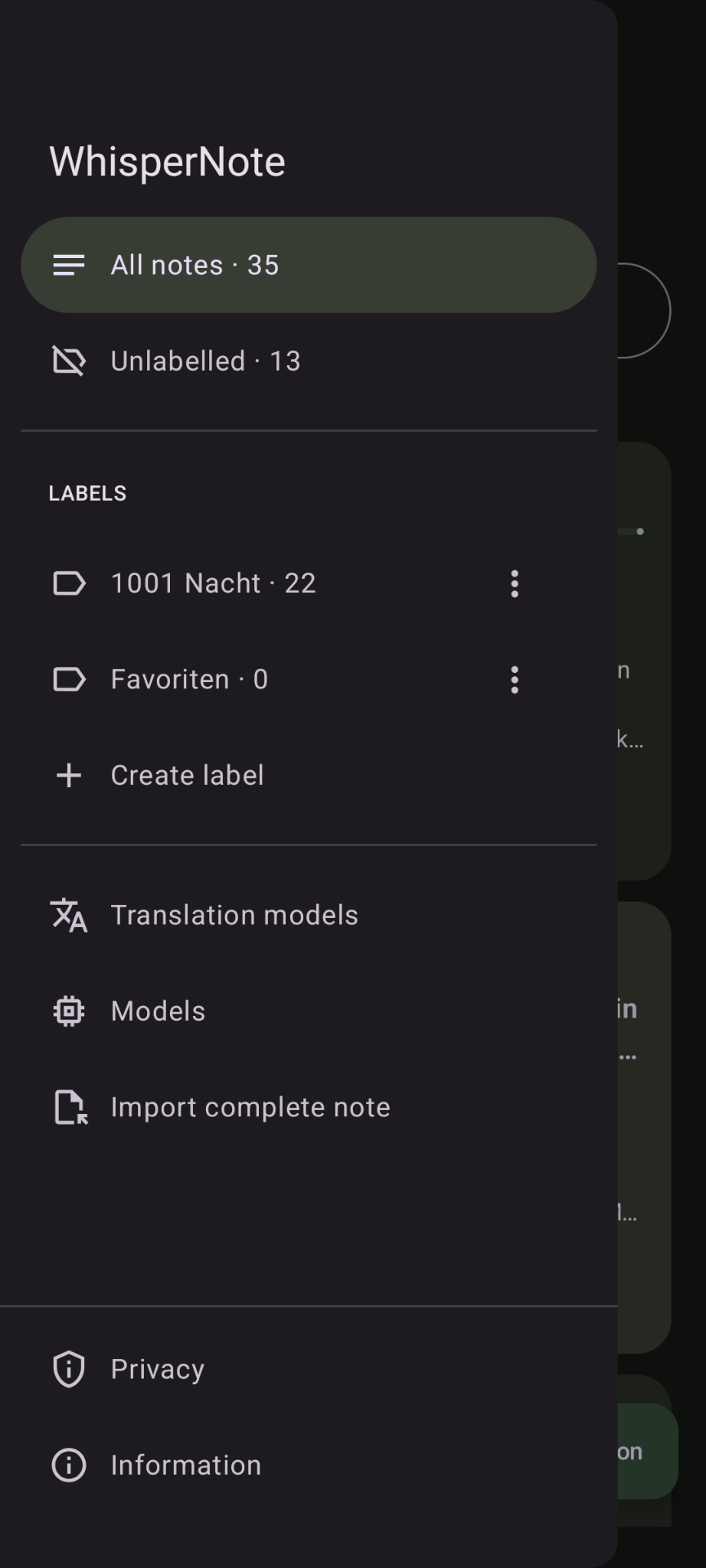
Browse your audio library, organize notes with labels, and search titles and transcript text. Jump from a search result to the matching segment.
Rename notes and edit text with automatic saving. Clear a segment’s text while keeping its audio and timestamps, or retranscribe that section with a chosen model and review the result before accepting it.
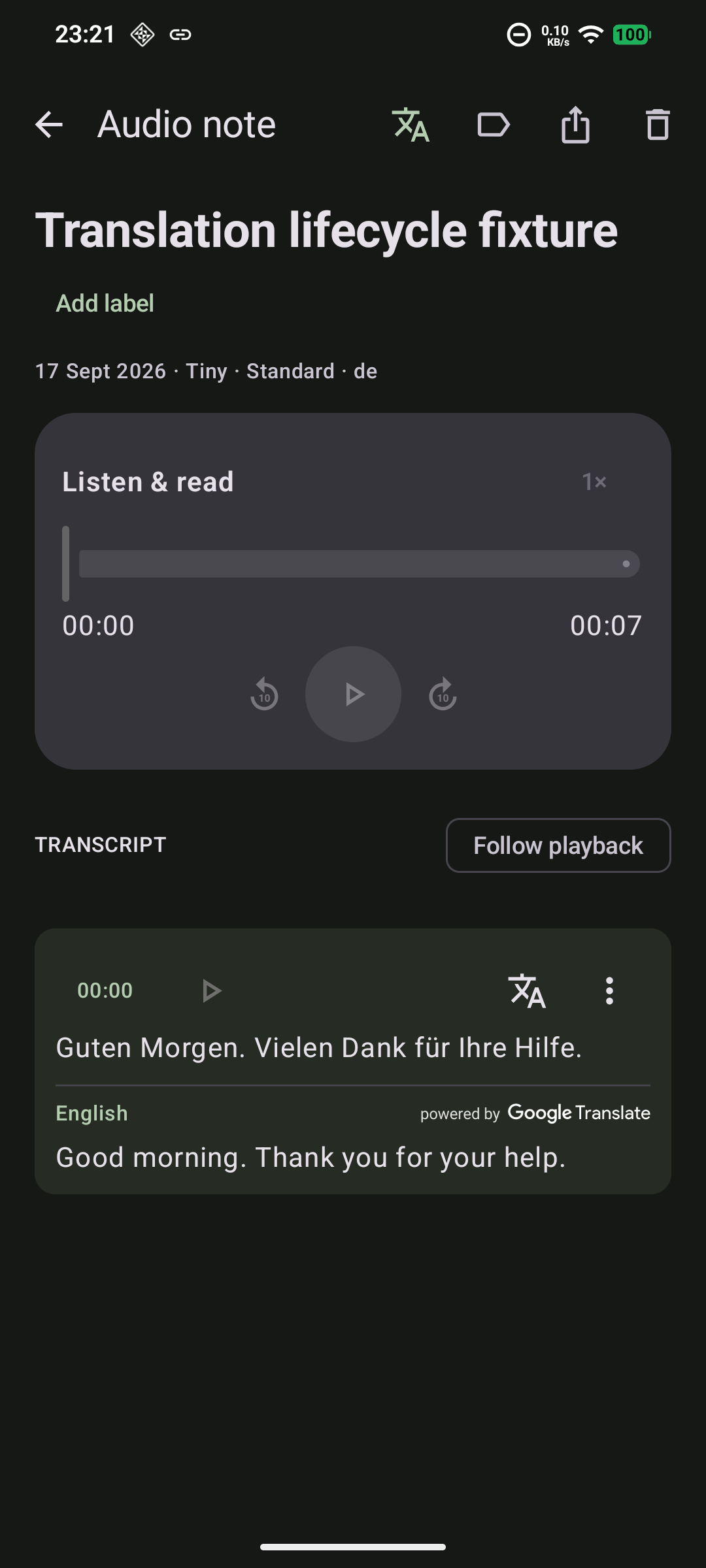
Play in the background with notification and lock-screen controls. Adjust speed from 0.5× to 2×, skip ten seconds, play from a segment, and follow highlighted text. Each note remembers your listening position.
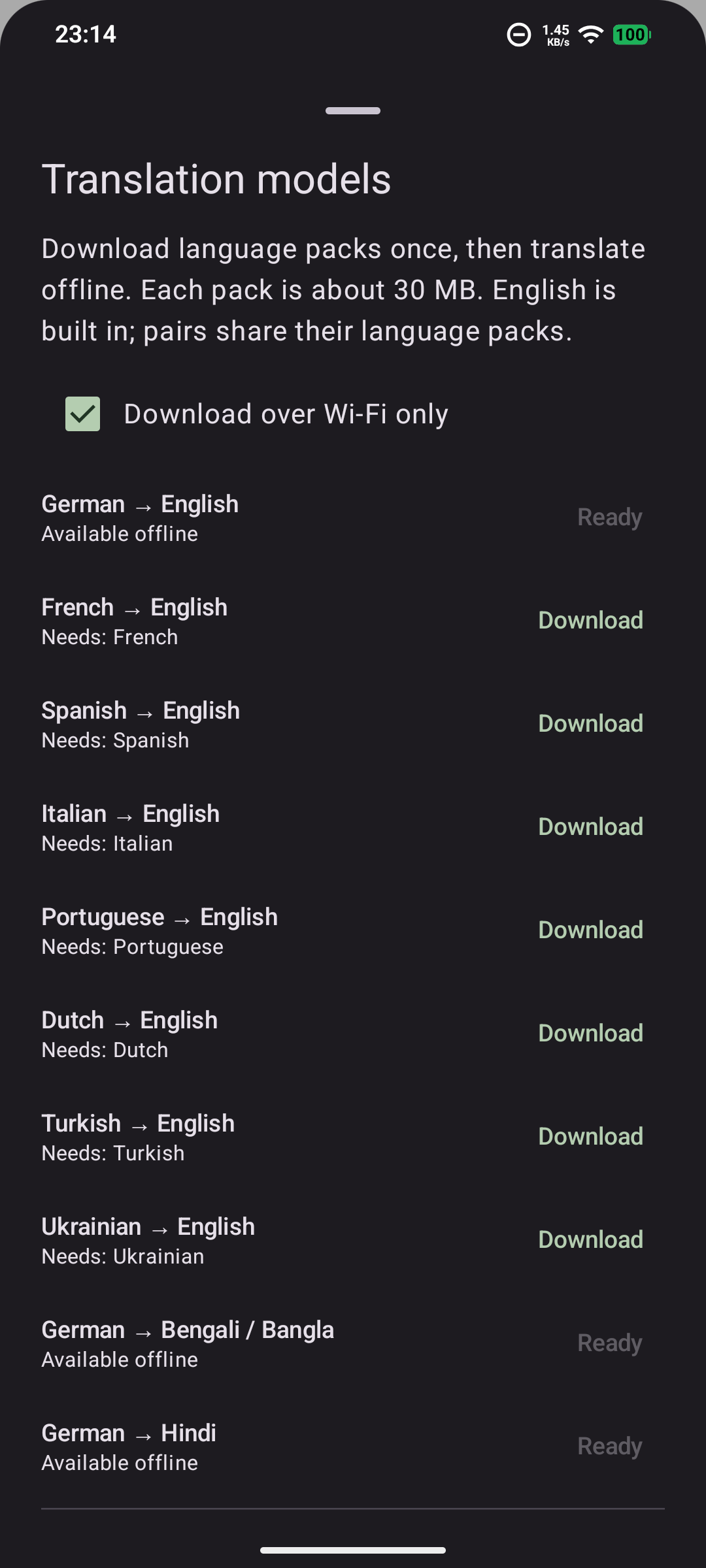
Download ML Kit language packs for ten translation pairs. Translate individual segments offline or long-press a word or phrase for a lookup, then copy or share selected text.
Export a transcript as plain text (TXT), Markdown or timestamped SRT subtitles. Save it to a destination you choose or share it with another Android app.
Save or share a complete .whispernote file containing the original audio, edited transcript, timestamps and label. Import it into WhisperNote to read and listen without transcribing it again.
The library adapts to your screen and follows your system’s light or dark theme. A mini-player keeps playback within reach while you browse your notes.
Import, export and keep a copy
Keep exported notes in a separate location for a portable backup. Model downloads and device-specific listening positions are not included in complete-note files.
In development · Version 1.1
These features are implemented in the current development build and are pending release validation.
Record with pause and resume controls, then stop to save and queue transcription. Send audio to WhisperNote directly from Android’s share sheet.
Back up and restore notes and audio together with labels, bookmarks and saved translations in a ZIP file. Restore adds copies without overwriting existing notes; models and listening positions are excluded.
Bookmark a playback position with an optional comment. Search within a transcript and move between matching segments, with an optional keep-screen-awake setting for reading.
Save completed segment translations for later and export bilingual text with the Translated option. Saved translations also travel with complete-note and library archives.
Pause and resume transcription, prioritize a queued note with Process next, and choose Fast, Balanced or Accurate presets. Optional speech detection skips silence, but may miss quiet speech.
Model downloads need an internet connection. Speed and accuracy vary by device, recording and language. Automatic backup is not currently available; export important notes to a separate location.
Your data, explained
Transcription and built-in translation run on your device. Downloads, Google ML Kit diagnostics, and sharing with another app can involve network services. Know what stays local and what leaves.
Read the privacy policy →